 NEWS
NEWS
M6 MacBook Pro Expected This Year With Apple's First 2nm Chip
 06/26/2026
 718
718
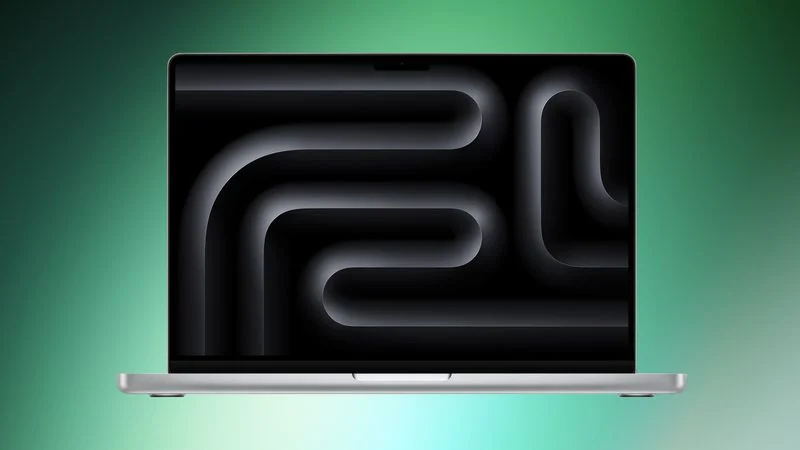
Apple could launch an updated base model 14-inch MacBook Pro with an M6 chip as soon as this year, reports Bloomberg. There could also be M6 chip updates for the Mac mini, iMac, and MacBook Air, but Apple is testing an M6 MacBook Pro.
Apple plans to introduce the M6 in late 2026, and for the first time, it will be a standalone chip. Apple is not working on M6 Pro or M6 Max chips, and will hold off on higher-end chip options until the M7 series launches in 2027.
The M6 chip will be the first built on a 2-nanometer process instead of the 3-nanometer process that Apple has used for the last several chip generations. Rumors suggest Apple will use TSMC's N2 process. Compared to the 3nm process, the 2nm process cuts down on transistor size so more can be packaged on a chip. Decreases in node size typically bring improved processor speeds and better power efficiency.
TSMC's new chips also transition from InFo (Integrated Fan-Out) packaging to WMCM (Wafer-Level Multi-Chip Module). WMCM integrates individual chip components like the CPU, GPU, DRAM, and Neural Engine more closely together, improving communication between the components.
According to Bloomberg, the M6 will be the most powerful in the industry for its class. The chip will have higher memory bandwidth at approximately 200GB/s (up from 153GB/s in the M5). Increased memory bandwidth will improve graphics performance and speed up on-device AI tasks.
The M6 will have an updated memory architecture, an upgraded Neural Engine for AI processing, and improvements to video encoding and decoding. Performance will improve for all of the processing cores, and the GPU will also get an update to optimize it for AI. Apple is testing versions of the chip with a 12-core GPU. The M5 chip is limited to a 10-core GPU.
Apple last updated the base 14-inch MacBook Pro with an M5 chip in October 2025, so an M6 update around the one-year mark would make sense. The base Mac mini and iMac have not been updated since October 2024, but Bloomberg recently said those machines would get M5 chips, not M6 chips, so Apple's plans are unclear. Bloomberg's newest report on the M6 mentions plural entry-level Macs getting the M6, but it only specifically references the MacBook Pro.
Apple added the M5 chip to the iPad Pro in October 2025, but it is not known if the device will get an M6 chip this year because prior rumors have said no 2026 refresh is planned. The MacBook Air was refreshed in March 2026, so it may not get a new chip until 2027.
Source: Macrumors










