 NEWS
NEWS
iPhone 18 Pro Getting New Display Upgrade with Two Benefits, Per Rumors
 06/05/2026
 698
698
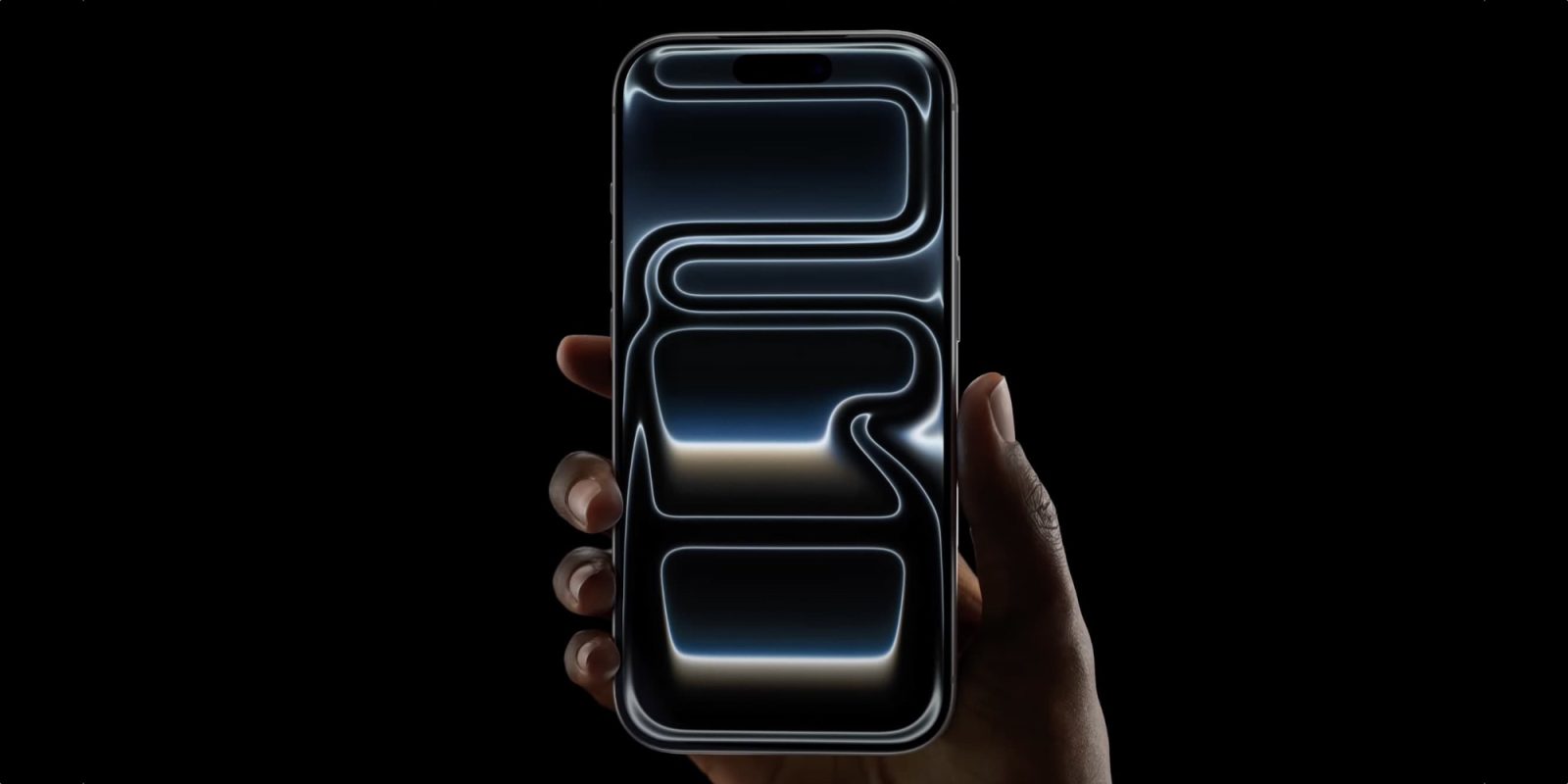
iPhone 18 Pro and Pro Max are expected to have the same 6.3-inch and 6.9-inch sizes as their predecessors, but rumors indicate those displays will come with a key technology upgrade.
iPhone 18 Pro’s new display expected to have improved power efficiency and Always-On performance
Apple’s iPhone displays have long been a strength, and as a result they tend not to change too often. But the iPhone 18 Pro and Pro Max will reportedly benefit from a key technology upgrade.
Per a recent report, Apple is moving to LTPO+ technology for its iPhone 18 Pro OLED panels.
iPhone 18 Pro panels are expected to be produced almost entirely by Samsung and LG. BOE was reportedly unable to secure Apple’s approval for this year’s flagships because it couldn’t deliver LTPO+ panels up to Apple’s quality standards.
BOE was a key partner on iPhone 17 Pro panels, but last year’s models used standard LTPO technology. iPhone 18 Pro, meanwhile, will get upgraded to LTPO+.
LTPO is the technology behind the iPhone’s Always-On Display, as it enables dynamic refresh rate adjustment. Per The Elec:
Conventional LTPO applies oxide materials to switching thin-film transistors (TFTs). LTPO+ extends oxide usage to driving TFTs as well, enabling finer current control for OLED light emission and allowing displays to optimize operation based on surrounding conditions and user environments, improving battery efficiency.
The two expected benefits of the upgrade to LTPO+ include:
- Improved power efficiency for longer battery life
- More responsive adjustments, especially in low-light environments
The latter improvement could help reduce any flickering or grainy appearance in low lighting.
We don’t know yet if the iPhone Ultra will gain this new technology as well. But here’s hoping it comes to all of this fall’s flagship models, not just iPhone 18 Pro.
Source: 9to5mac










