 NEWS
NEWS
iOS 27 Could Offer Native Integration with Google Cast and Other Streaming Protocols
 05/26/2026
 1246
1246
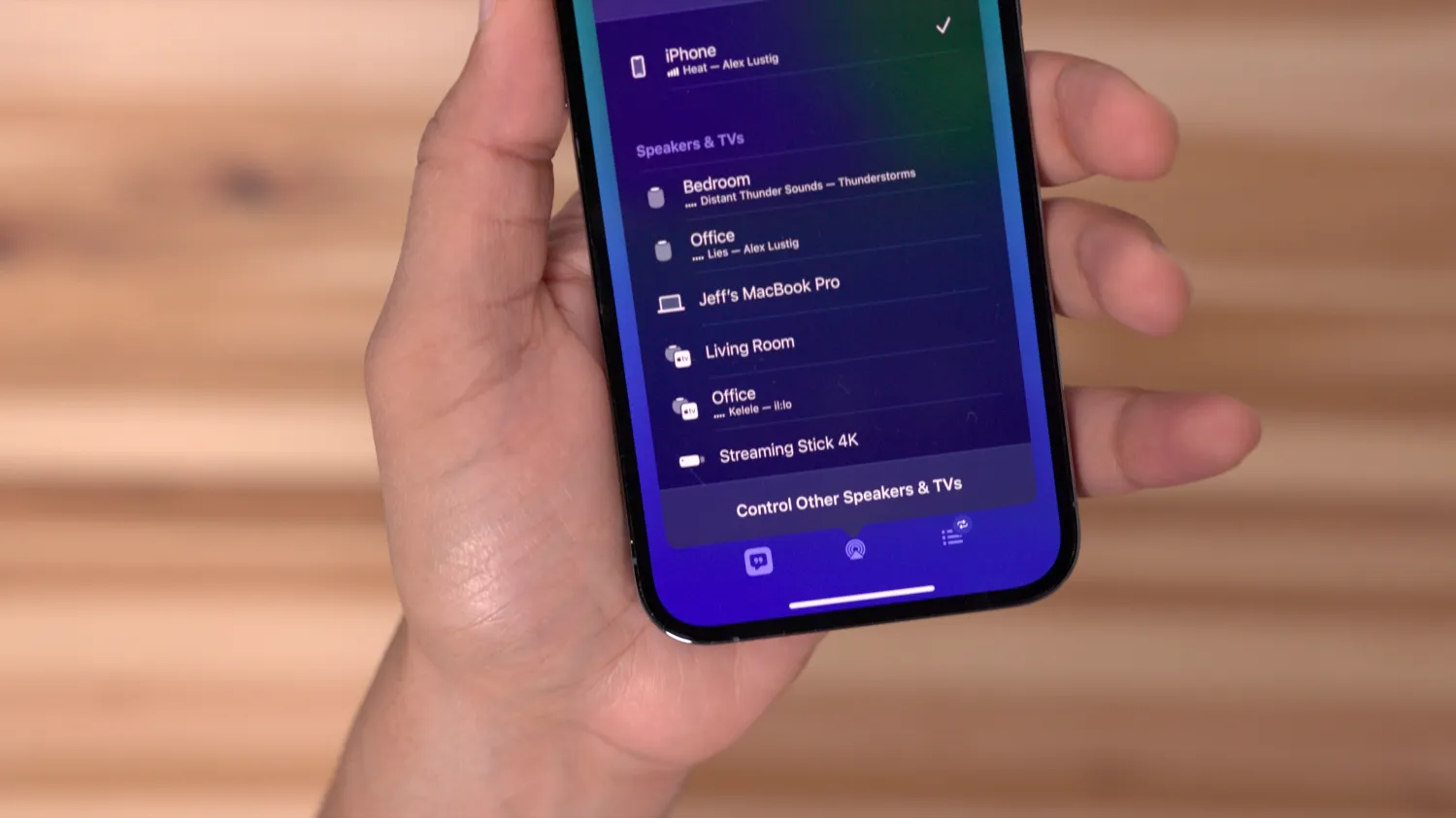
In response to the European Union’s Digital Markets Act (DMA), Apple is reportedly working on the ability to replace AirPlay with other third-party streaming protocols at a system level. This feature may only roll out in the European Union, similar to third-party app marketplaces.
According to Bloomberg’s Mark Gurman, Apple may be conceding AirPlay as a system-level default, and alternative streaming protocols may be able to tap into iOS at a native level, starting with iOS 27. From the Power On newsletter:
Apple, looking to satisfy the latest requirements of the European Union’s Digital Markets Act, is building support into iOS 27 for third-party AirPlay streaming alternatives, I’m told. This means that outside services — such as Google Cast — can be set by users as the default solution for beaming video, photos and audio from an Apple device to a speaker or TV.
Google Cast (formerly Chromecast) is most certainly the most popular third-party protocol that’d take advantage of this. Nonetheless, it theoretically means that any smart speaker or streaming device manufacturer could offer native integration with iOS, without needing to support AirPlay or rely on Bluetooth.
It’s worth noting, this feature more than likely will only roll out in the European Union. The report doesn’t necessarily say that verbatim, but if you’re not in the EU, I wouldn’t have high hopes for getting native Google Cast integration – at least for now.
Personally, most hotels I’ve stayed at in recent memory only support streaming through Google Cast, so it’d certainly be nice to have full support for it within iOS.
Source: 9to5mac










