 NEWS
NEWS
Apple's AirTag-Sized AI Pendant: Five Features Rumored So Far
 05/09/2026
 1073
1073
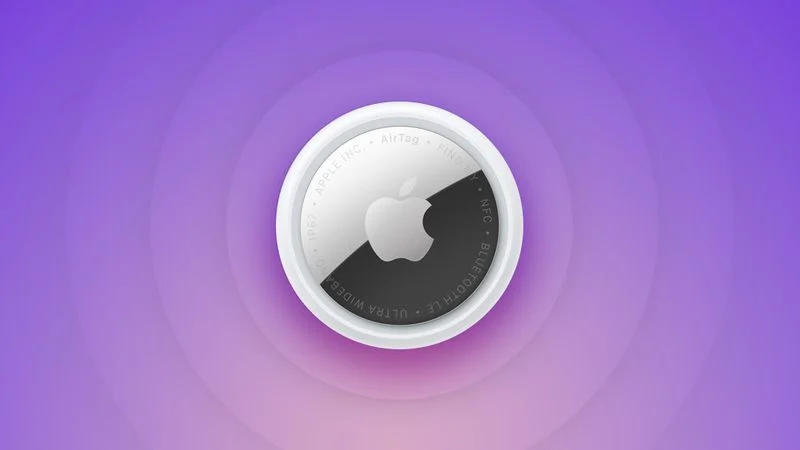
Apple is developing a wearable AI device that's been described as a pin or pendant, and that could compete with a similar AI product coming from OpenAI's Jony Ive. It wasn't clear if the wearable would actually make it to launch because Apple sometimes cancels projects, but it is still in the works and could come as soon as next year.
1. It'll Look Like an AirTag
Apple's design plans could change, but rumors suggest the device is a pin or pendant that looks similar to an AirTag. It's been described as having a thin, flat, circular disc shape, with an aluminum and glass shell. A physical control button is included on one edge.
Apple wants the final version of the device to be about the same size as an AirTag, but because of the hardware inside, it could be thicker.
It sounds like the wearable will be versatile. It could have a clip to attach to clothing like a pin, but there's also supposedly a hole in the device so it can be worn as a necklace. Rumors have referred to it as both a pin and a pendant.
2. There Will Be Cameras
Apple's AI wearable is going to have at least one camera, but rumors are mixed on exactly what the camera will be used for.
Bloomberg says the pin will have a low-resolution camera that gives it info about its surroundings rather than a camera for capturing photos and videos. The camera will be always-on and processing visual data, but users will not be able to use it for images.
The Information reports there will be two front cameras, one with a standard lens and one with a wide-angle lens for capturing photos and videos.
Apple's AI device will rely heavily on Visual Intelligence, which is currently an iPhone feature that uses the camera to provide users with more information about places and objects around them.
3. Siri is the Brain
Rumors have described Apple's wearable as an AI pin or pendant, because it's going to be reliant on artificial intelligence. It's one of several AI-equipped devices that Apple is working on, and it will give wearers a way to interface with Siri without having to use an iPhone.
The camera on the pin will give Siri insight, and Siri will be able to answer questions about what the wearer is looking at or the wearer's surroundings.
Apple is planning to completely overhaul Siri in iOS 27, turning the personal assistant into a much smarter chatbot on par with Claude, Gemini, and ChatGPT.
4. iPhone Required
While the AI wearable will have a chip inside, it will be a smaller chip that's similar to the H2 in the AirPods. It won't use a high-powered chip, and most processing will need to be done on the iPhone.
The pin is not meant to be a standalone device, and it will instead be marketed as an iPhone accessory.
5. It'll Listen, But Might Not Talk Back
To listen for voice requests and to pick up sounds around the wearer, the AI pin will have a microphone. Apple has not yet decided whether to add a speaker for back-and-forth Siri conversations and audio playback.
If there's no speaker, responses might be directed to the wearer on the iPhone, Apple Watch, or AirPods.
Release Date
Bloomberg's Mark Gurman said this week that the AI wearable could see a launch as soon as 2027.
Source: Macrumors










