NEWS

iPhone 18 Pro’s New A20 Chip Rumored to Bring Two Major Upgrades

05/09/2026

118

iPhone 18 Pro’s New A20 Chip Rumored to Bring Two Major Upgrades

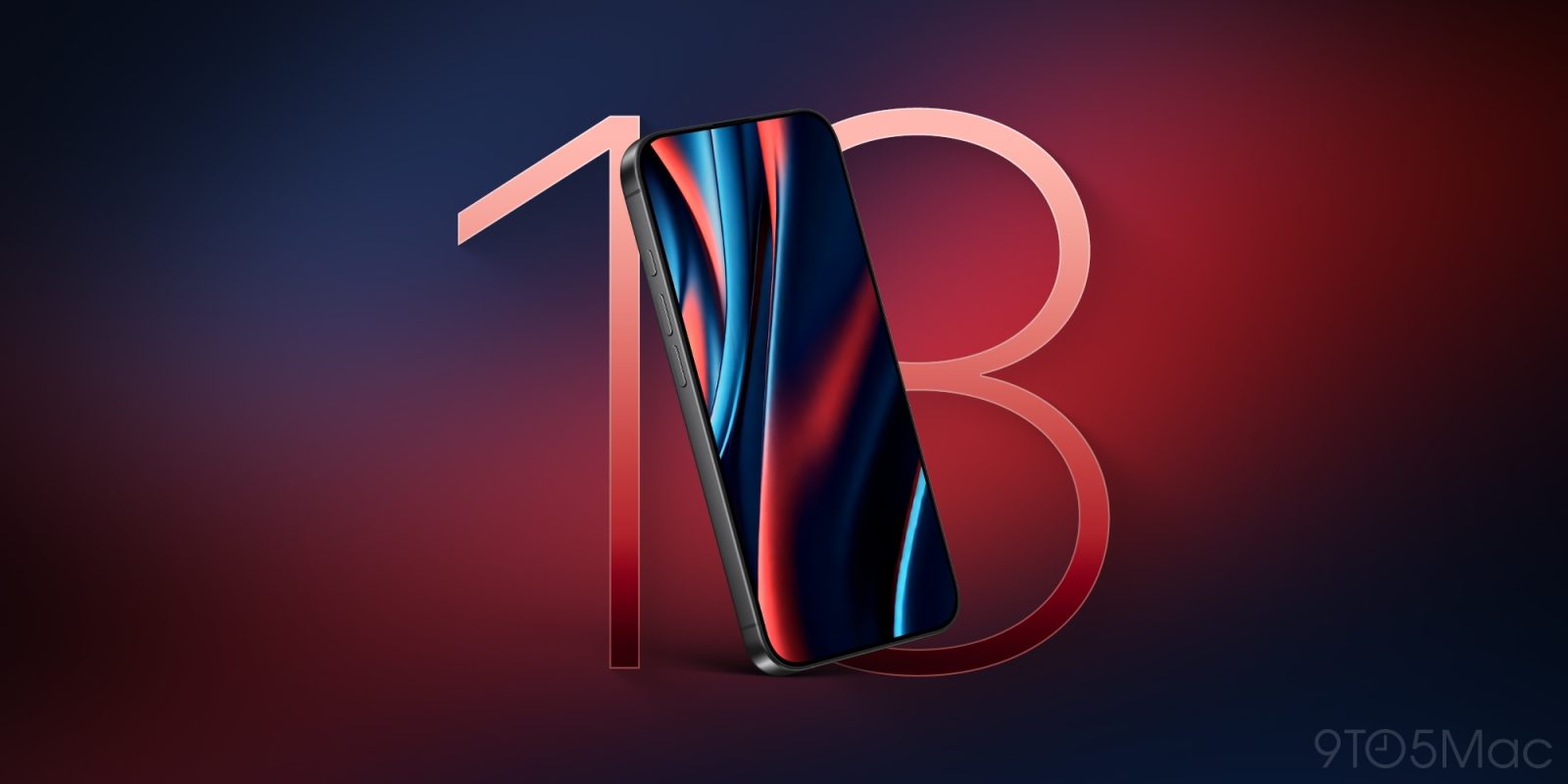
Every year, Apple has a new chip ready for its latest iPhones. But the A20 Pro chip for this fall’s iPhone 18 Pro and iPhone Ultra sounds like it could be extra special. Here are its two big rumored upgrades.

#1: A20 Pro will be the first 2-nanometer iPhone chip
iPhone 18 Pro’s New A20 Chip Rumored to Bring Two Major Upgrades

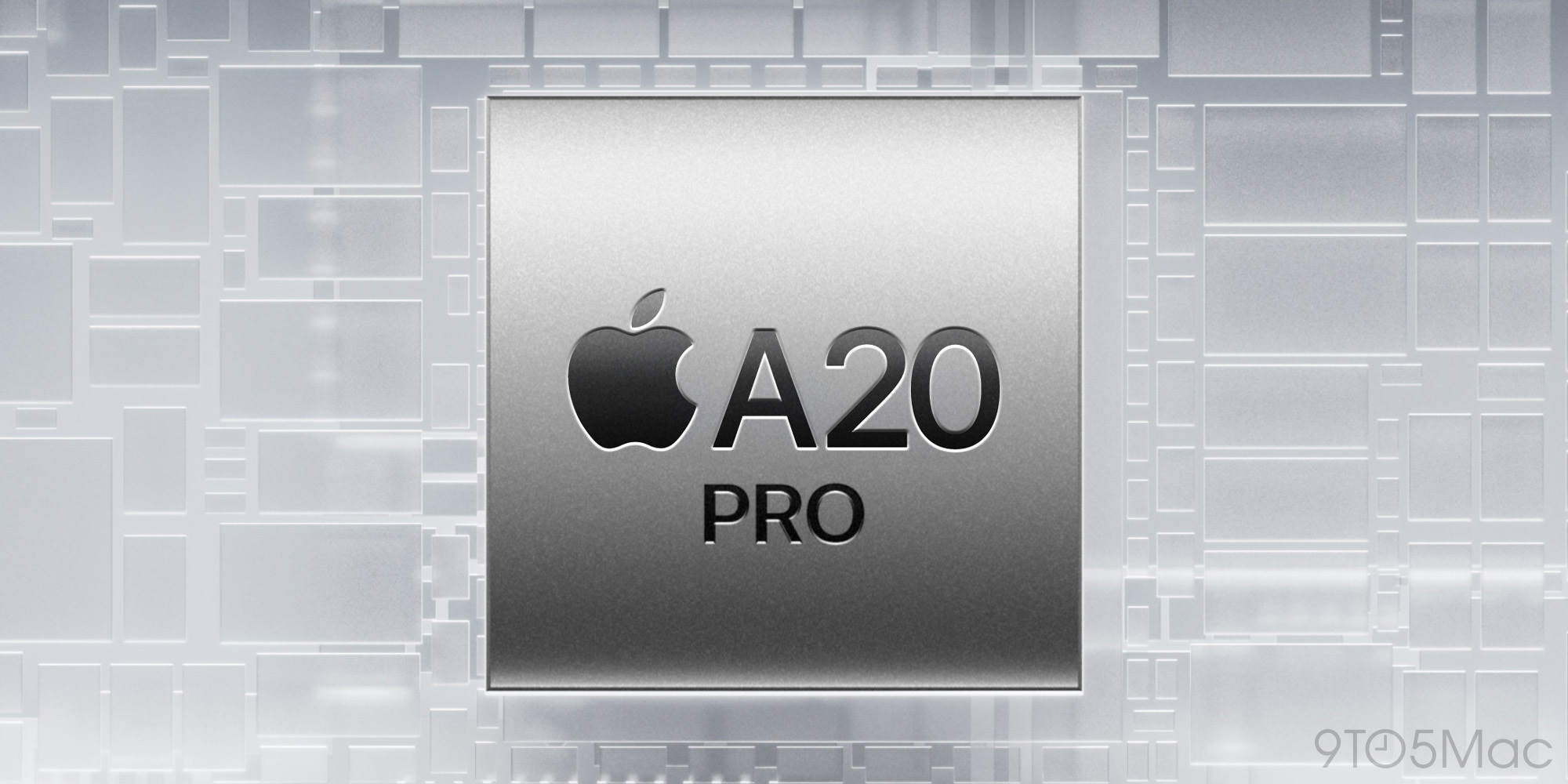
You can always bet on Apple to offer improvements in its latest generation chips. But some years bring bigger upgrades than others, and the new A20 Pro chip is expected to be a standout.

That’s because with A20 Pro, Apple will use TSMC’s new 2-nanometer process for chip fabrication.

The switch to 2nm from the current 3nm process means A20 Pro will be able to offer more power and run more efficiently within a similar-sized chip footprint.

Every time there’s a notable evolution of fabrication technology, we see this play out. That’s why Apple works years in advance to secure TSMC’s most cutting-edge offerings. It helps the company maintain an edge in the chips that power not only iPhone, but also, iPad, Mac, and more.

We don’t know which specific areas Apple will focus on improving with A20 Pro, but thanks to 2nm the company will have more headroom than usual.

#2: Switch to Wafer-Level Multi-Chip Module will bring even more gains

iPhone 18 Pro’s New A20 Chip Rumored to Bring Two Major Upgrades

Adding to the gains of 2nm, A20 Pro is also expected to have another unique improvement thanks to a packaging innovation called Wafer-Level Multi-Chip Module.

Source: 9to5mac

Windows
Mac OS
iOS
Linux
3uTools
Win 64-bit For this device
V9.06 2026-04-09
Download
Win 32-bit For this device
V9.06 2026-04-09
Download
3uTools
Intel Chip How to Identify Chip Type
V9.03 2026-03-27
Download
Apple Silicon
V9.03 2026-03-27
Download
How to Identify Chip Type
1.  Click the Apple icon in the top-left corner of the screen and select About This Mac.
2.  Check the Processor or Chip field to determine if it is "Intel" or "Apple".
Please use the 3uTools PC client to install the iOS client:
1、 Install either the Windows or Mac version of 3uTools on your computer
2、 Open the PC client and connect your device to the computer via USB cable
3、 After the connection is successful, wait for the computer to automatically install the mobile app for the device, or locate “Install Mobile App” on the computer and manually click to install.
3uTools
deb file
V9.0 2026-04-16
Download
rpm file
V9.0 2026-04-16
Download
Windows
Windows
iOS
iOS
Android
Android
TV
TV
3uAirPlayer
Win 64-bit For this device
V6.0.5 2026-04-23
Download
Win 32-bit For this device
V6.0.5 2026-04-23
Download
iOS Device Mirroring (No App Required)
1、 Install 3uAirPlayer on the Windows PC
2、 Open Control Center and select Screen Mirroring
3、 From the list, choose your PC to start mirroring
4、 Or connect your iOS device to the PC via USB to begin mirroring
Scan to get "3uAirPlayer" App
3uAirPlayer TV V1.0.18
2025-11-28
TV System Requirements: Android 7.0 or later
Download the TV installation package, copy it to a USB drive, insert it into your TV or set-top box, then select the file from the home screen to install.