NEWS

New Apple Studio Displays Double Internal Storage to 128GB

03/12/2026

197

New Apple Studio Displays Double Internal Storage to 128GB


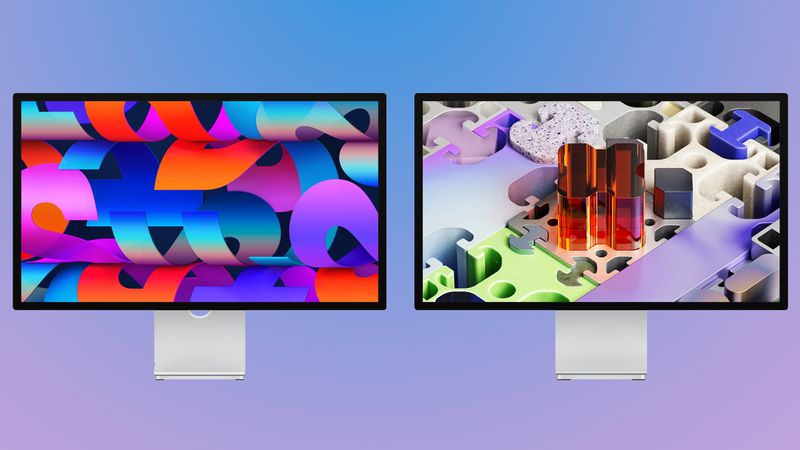
The Apple Studio Display and ‌Studio Display‌ XDR are equipped with A19 and A19 Pro chips, respectively, and each display has 128GB of internal NAND storage.


With A-series chips, the Studio Displays run an iOS-based operating system, which is what the internal storage space is used for. The A19 and A19 Pro handle camera processing for the Center Stage camera, color calibration, USB and Thunderbolt device management, spatial audio, and more.


Storage space is necessary for the existing software, downloading new firmware updates over time, and perhaps for diagnostics, but the storage is not used for user-facing features.


The prior-generation ‌Studio Display‌ had 64GB of storage, so the new displays have double the capacity. Apple likely found it more affordable to use existing NAND storage from its iPhone supply chain rather than to invest in smaller modules with less storage. Most of the 128GB is probably unnecessary.


Along with 128GB of storage, the ‌Studio Display‌ has 8GB RAM and the ‌Studio Display‌ XDR has 12GB RAM. The new displays launched today, and are now available for purchase from the online Apple Store and Apple retail locations.


Source: Macrumors

Windows
Mac OS
iOS
Linux
3uTools
Win 64-bit For this device
V9.03 2026-03-12
Download
Win 32-bit For this device
V9.03 2026-03-12
Download
3uTools
Intel Chip How to Identify Chip Type
V9.01 2025-12-31
Download
Apple Silicon
V9.01 2025-12-31
Download
How to Identify Chip Type
1.  Click the Apple icon in the top-left corner of the screen and select About This Mac.
2.  Check the Processor or Chip field to determine if it is "Intel" or "Apple".
Please use the 3uTools PC client to install the iOS client:
1、 Install either the Windows or Mac version of 3uTools on your computer
2、 Open the PC client and connect your device to the computer via USB cable
3、 After the connection is successful, wait for the computer to automatically install the mobile app for the device, or locate “Install Mobile App” on the computer and manually click to install.
3uTools
deb file
V3.01 2025-11-20
Download
rpm file
V3.01 2025-11-20
Download
Windows
Windows
iOS
iOS
Android
Android
TV
TV
3uAirPlayer
Win 64-bit For this device
V6.0.3 2026-03-11
Download
Win 32-bit For this device
V6.0.3 2026-03-11
Download
iOS Device Mirroring (No App Required)
1、 Install 3uAirPlayer on the Windows PC
2、 Open Control Center and select Screen Mirroring
3、 From the list, choose your PC to start mirroring
4、 Or connect your iOS device to the PC via USB to begin mirroring
Scan to get "3uAirPlayer" App
3uAirPlayer TV V1.0.18
2025-11-28
TV System Requirements: Android 7.0 or later
Download the TV installation package, copy it to a USB drive, insert it into your TV or set-top box, then select the file from the home screen to install.