NEWS

Apple in Talks With Banks to Launch Apple Pay in India This Year

02/27/2026

168

 Apple in Talks With Banks to Launch Apple Pay in India This Year


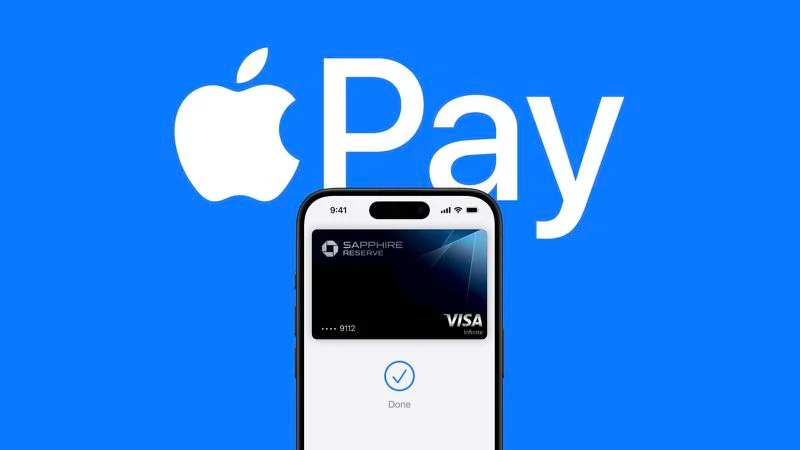
Apple is in talks with major Indian banks as it prepares to introduce Apple Pay in the country sometime in the middle of 2026, reports Bloomberg.


Apple is said to be in discussions with ICICI Bank, HDFC Bank, and Axis Bank, according to people with knowledge of the matter who spoke to the publication.


The report corroborates a story in January by Business Standard that said Apple Pay was preparing to go live in the Indian market before the end of the year. The Times of India also earlier reported the India plans for Apple Pay.


Today's report says Apple is talking through the plan with global payment networks Mastercard and Visa. UPI dominates digital payments in India, and Apple Pay is expected to support the state-backed payments interface, which allows customers to instantly transfer money and bills.


Apple Pay launched more than 10 years ago, and is already available across 89 markets globally. Late last year, India's central bank approved new rules that allow biometric authentication like Touch ID and Face ID for digital payments. The country's authentication methods previously relied on one-time passwords sent over SMS messages.


The timing comes at a good moment for Apple in India. The company recorded its highest quarterly shipments in the country during Q3 2025, reaching 5 million units and securing fourth place in the market for the first time, according to IDC data. Apple is also rapidly expanding its retail presence in India, with a sixth store opening in Mumbai on Thursday.


Source: Macrumors

Windows
Mac OS
iOS
Linux
3uTools
Win 64-bit For this device
V9.02 2026-02-10
Download
Win 32-bit For this device
V9.02 2026-02-10
Download
3uTools
Intel Chip How to Identify Chip Type
V9.01 2025-12-31
Download
Apple Silicon
V9.01 2025-12-31
Download
How to Identify Chip Type
1.  Click the Apple icon in the top-left corner of the screen and select About This Mac.
2.  Check the Processor or Chip field to determine if it is "Intel" or "Apple".
Please use the 3uTools PC client to install the iOS client:
1、 Install either the Windows or Mac version of 3uTools on your computer
2、 Open the PC client and connect your device to the computer via USB cable
3、 After the connection is successful, wait for the computer to automatically install the mobile app for the device, or locate “Install Mobile App” on the computer and manually click to install.
3uTools
deb file
V3.01 2025-11-20
Download
rpm file
V3.01 2025-11-20
Download
Windows
Windows
iOS
iOS
Android
Android
TV
TV
3uAirPlayer
Win 64-bit For this device
V6.0.2 2025-11-19
Download
Win 32-bit For this device
V6.0.2 2025-11-19
Download
iOS Device Mirroring (No App Required)
1、 Install 3uAirPlayer on the Windows PC
2、 Open Control Center and select Screen Mirroring
3、 From the list, choose your PC to start mirroring
4、 Or connect your iOS device to the PC via USB to begin mirroring
Scan to get "3uAirPlayer" App
3uAirPlayer TV V1.0.18
2025-11-28
TV System Requirements: Android 7.0 or later
Download the TV installation package, copy it to a USB drive, insert it into your TV or set-top box, then select the file from the home screen to install.