 NEWS
NEWS
New iPhone Launching This Month with Four Key Changes: Report
 02/06/2026
 3414
3414
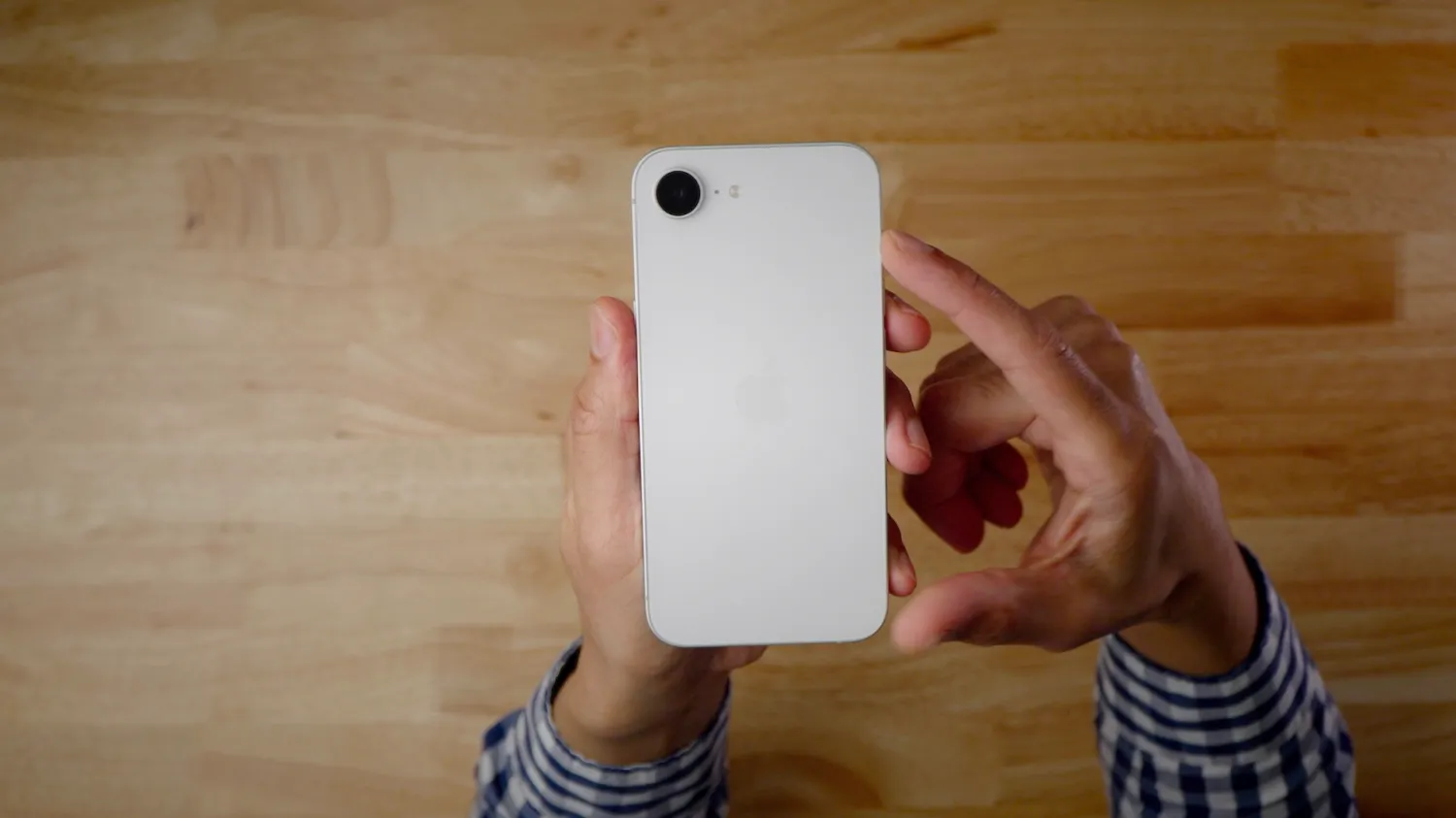
According to a new report today, Apple’s next iPhone is launching very soon. Macwelt reports that the iPhone 17e is set to launch on February 19 — one year to the day following the launch of the iPhone 16e.
The report was first published by Macwelt, which is the German companion to Macworld. The same report has also since been translated and published in English on Macworld.
The report cites an anonymous source with information “circulating among case and accessory makers.” That source claims the iPhone 17e will launch as early as Thursday, February 19. As the story notes, this would be odd as Apple very rarely launches new hardware on Thursday. In general, major hardware updates are announced on Monday, Tuesday, or Wednesday.
I’d treat the February 19th date with some skepticism. Apple doesn’t share specific release date information with accessory makers. Still, a launch at some point in February is highly likely based on last year’s timeline.
The report also says that the iPhone 17e will feature support for MagSafe wireless charging, as previously reported by The Information. This is one of the biggest limitations of the iPhone 16e.
Japanese website Macotakara published a separate report today outlining more details on what to expect from the iPhone 17e. According to the report, the iPhone 17e will feature these changes:
●A19 chip
●Apple’s latest C1X modem, which offers speeds up to twice as fast as the original C1 found in the iPhone 16e.
●Apple’s N1 network chip for Wi-Fi, Bluetooth, and Thread connectivity.
The iPhone 17e is expected to retain its existing design, including a notch instead of Dynamic Island. It will also still have one rear camera.
Source: 9to5mac










