 NEWS
NEWS
Tim Cook’s ‘Top Priority’ Product Could Finally Take Shape Next Year
 12/23/2025
 1042
1042
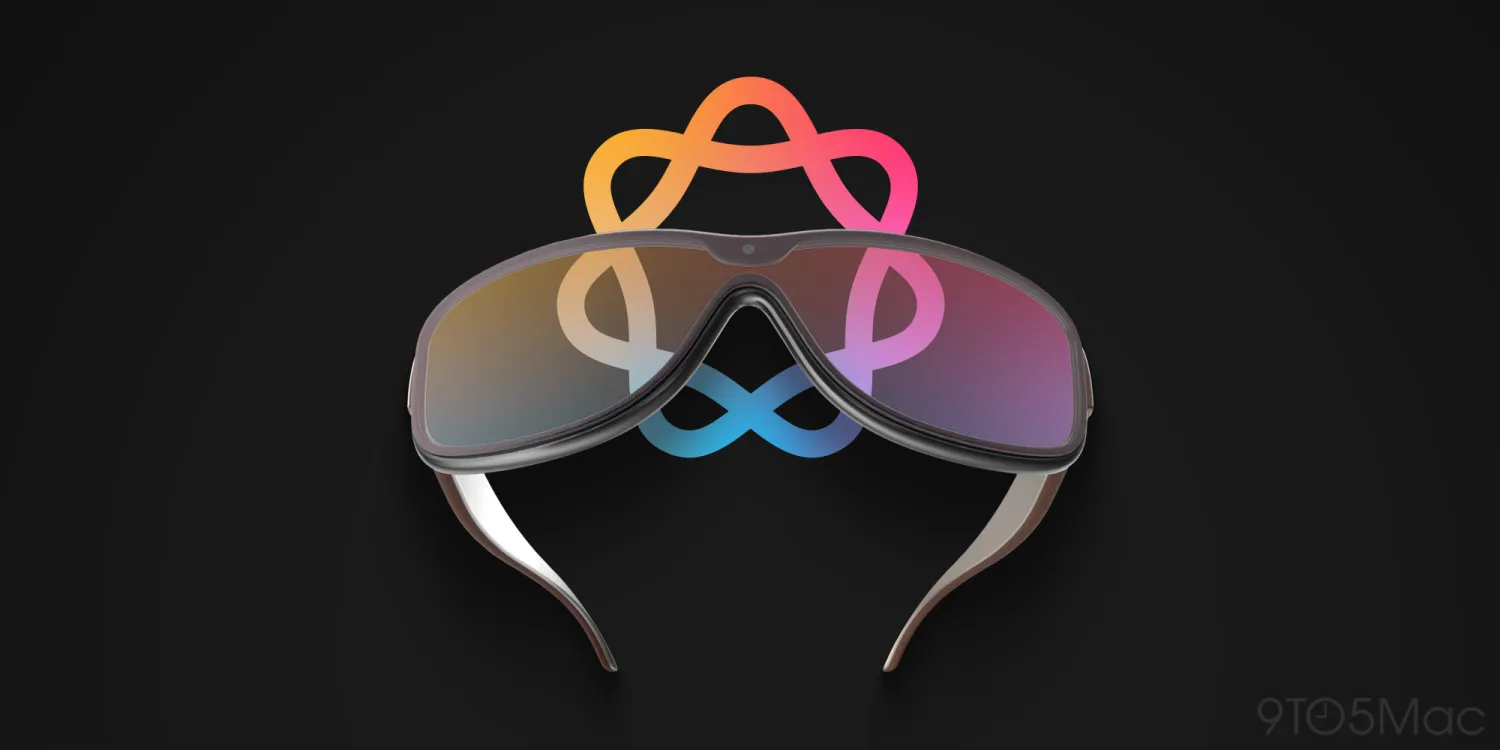
Next year will bring a huge lineup of 20+ new Apple products. And the unveiling of Apple Glasses could be a key step toward Tim Cook’s “top priority” AR product finally launching.
‘Apple Glasses’ will be key stepping stone toward Tim Cook’s dream AR wearable
Apple Glasses, or perhaps ‘Apple Vision’ as they might be called, are rumored to be unveiled in 2026—likely late in the year.
Per Bloomberg, they may not actually ship until 2027. But as sometimes happens when Apple launches products in new categories—e.g., Apple Watch, Apple Vision Pro—the company is expected to preview Apple Glasses months ahead of their ship date.
When Apple Glasses arrive, they’ll offer our best look yet at a future product that’s reportedly extremely important to CEO Tim Cook.
Mark Gurman wrote earlier this year at Bloomberg:
●Cook’s grand vision…hasn’t changed in a decade. He wants true augmented reality glasses — lightweight spectacles that a customer could wear all day. The AR element will overlay data and images onto real-world views.
●Cook has made this idea a top priority for the company and is hell-bent on creating an industry-leading product before Meta can. “Tim cares about nothing else,” says someone with knowledge of the matter. “It’s the only thing he’s really spending his time on from a product development standpoint.”
Next year’s Glasses product won’t offer AR functionality. Rather, it will center on Siri, AI, and being an iPhone accessory like Apple Watch is today.
But combine the new Glasses product with what we’ve seen from Vision Pro and visionOS, and we’ll get our best look yet at Cook’s true ambition: AR glasses.
Vision Pro has already revealed Apple’s ‘vision’ for AR software computing. The company calls it “spatial computing.” Though Vision Pro hasn’t been a sales hit, visionOS is a remarkable achievement that’s full of strengths.
And when Apple Glasses are unveiled next year, we’ll have a good idea of not only AR glasses’ future software, but its hardware design too.
Apple will no doubt iterate on its initial Glasses design before the eventual AR model arrives. But this first version is the foundation that future models will be built on.
We don’t know when the technology for true AR glasses will finally arrive. But by the end of next year, we should have a much better idea of what to expect from Tim Cook’s top-priority product.
Source: 9to5mac










