 NEWS
NEWS
Nearly One Year After Launch, Apple Pay Finds Limited Traction In China
 03/02/2017
 3370
3370
After a slow start, Apple Pay is now dominating its home country, the United States, but the same can’t be said of China where it is up against a different set of challenges.
Data from Boston Retail Partners shows that Apple Pay is now accepted by 36 percent of merchants in the U.S., thus making it one of the most widely available mobile payment methods in the country. However, to date it has received a lukewarm — or perhaps even cold — reception in China, the planet’s largest market for mobile payments.
Such is the ubiquity of QR codes that China UnionPay, one of Apple Pay’s Chinese partners and a long-time proponent of NFC, has even succumbed to pressure — the firm launched its own QR code solution late last year. That was a pretty huge surprise given that UnionPay has made a big push into digital through partnerships with smartphone makers Huawei, Xiaomi and of course Apple to push NFC adoption in China.
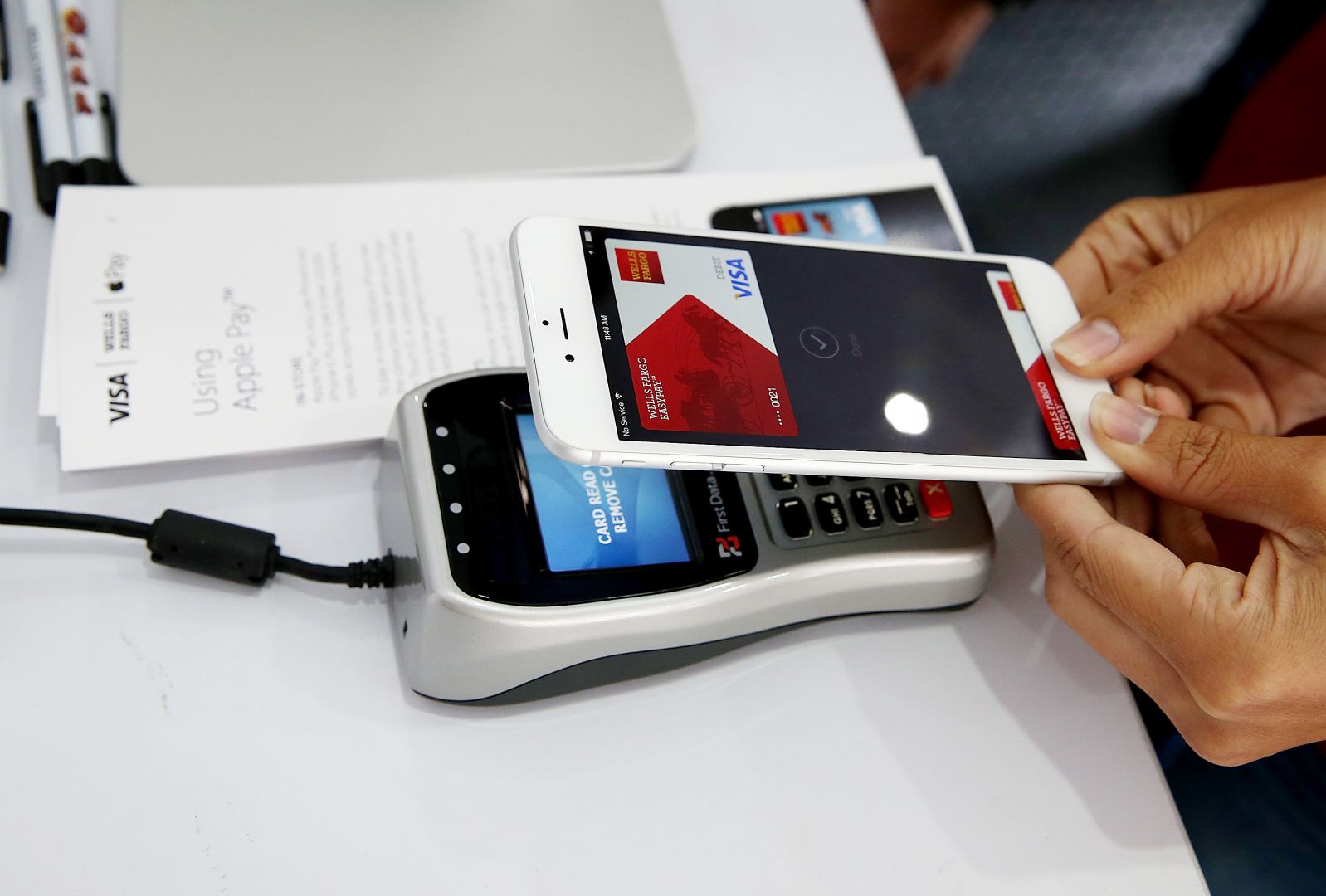
More broadly, there’s a tech challenge, too. NFC’s reliance on dedicated NFC-equipped smartphones and POS terminals is a road blocks for wider application. Major merchants and retailers are one thing, but the longer tail of smaller retailers haven’t signed up for this equipment which has put a check on how widely supported Apple Pay and other NFC solutions can be.
Furthermore, Alipay and Tenpay’s offline presence is fueled by their heavily-subsidized expansion plans. Although it’s clear that subsidization is not sustainable in the long run, this model has proven to be a successful way to attract users in many verticals, including ride-hailing, bike rental, group buying, and other offline-to-online services. Building that initial mass of users ties back into behavioral trends, which can be very tough to overcome for a new kid on the block or a non-dominant service.
Source: techrunch










