
NEWS

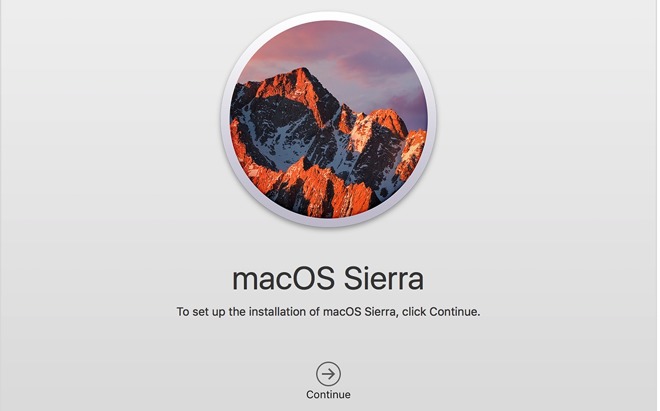
macOS Sierra 10.12.4 Third Developer's Beta Now Available

02/21/2017

2998

Apple on Monday also deployed its third developer-centric beta of macOS 10.12.4 with Night Shift, and other bug fixes.


Like the second developer beta issued on Feb. 7, Monday's third version brings Night Shift mode to Mac. Originally incorporated into iOS, Night Shift minimizes user exposure to blue light from device screens during nighttime working hours, a technique thought to minimize impact on a user's circadian rhythm. 


In addition to Night Shift, the update also brings dictation support for Shanghainese, system APIs for reading, writing and navigating PDFs, and the usual assortment of bug fixes and performance improvements. 


Apple's first macOS 10.12.4 Sierra beta arrived in late January, with developers granted access to the update two days prior to public beta testers.

macOS Sierra 10.12.4 Third Developer's Beta Now Available


Users currently enrolled in Apple's Public Beta Program can download the latest macOS test version from the Updates section of the Mac App Store. Those interested in testing beta software before wide release can sign up for Apple's program via the company's official website.


Source: appleinsider

Windows
Mac OS
iOS
Linux
3uTools
Win 64-bit For this device
V9.0 2025-11-11
Download
Win 32-bit For this device
V9.0 2025-11-11
Download
3uTools
Intel Chip How to Identify Chip Type
V9.0 2025-12-02
Download
Apple Silicon
V9.0 2025-12-02
Download
How to Identify Chip Type
1.  Click the Apple icon in the top-left corner of the screen and select About This Mac.
2.  Check the Processor or Chip field to determine if it is "Intel" or "Apple".
Please use the 3uTools PC client to install the iOS client:
1、 Install either the Windows or Mac version of 3uTools on your computer
2、 Open the PC client and connect your device to the computer via USB cable
3、 After the connection is successful, wait for the computer to automatically install the mobile app for the device, or locate “Install Mobile App” on the computer and manually click to install.
3uTools
deb file
V3.01 2025-11-20
Download
rpm file
V3.01 2025-11-20
Download
Windows
Windows
iOS
iOS
Android
Android
TV
TV
3uAirPlayer
Win 64-bit For this device
V6.0.2 2025-11-19
Download
Win 32-bit For this device
V6.0.2 2025-11-19
Download
iOS Device Mirroring (No App Required)
1、 Install 3uAirPlayer on the Windows PC
2、 Open Control Center and select Screen Mirroring
3、 From the list, choose your PC to start mirroring
4、 Or connect your iOS device to the PC via USB to begin mirroring
Scan to get "3uAirPlayer" App
3uAirPlayer TV V1.0.18
2025-11-28
TV System Requirements: Android 7.0 or later
Download the TV installation package, copy it to a USB drive, insert it into your TV or set-top box, then select the file from the home screen to install.




