
NEWS

Apple Acquires Israeli Facial Recognition Startup RealFace

02/20/2017

3421

According to a report from Israeli financial website Calcalist, Apple has acquired facial recognition company RealFace. News of this acquisition comes as rumors regarding face recognition for iOS have increased ahead of the upcoming release of the iPhone 8 later this year.


RealFace is a relatively young company, having been founded by Adi Eckhouse Barzilai and Aviv Mader in 2014. The company developed facial recognition software as an alternative to traditional passwords as well as fingerprint recognition.
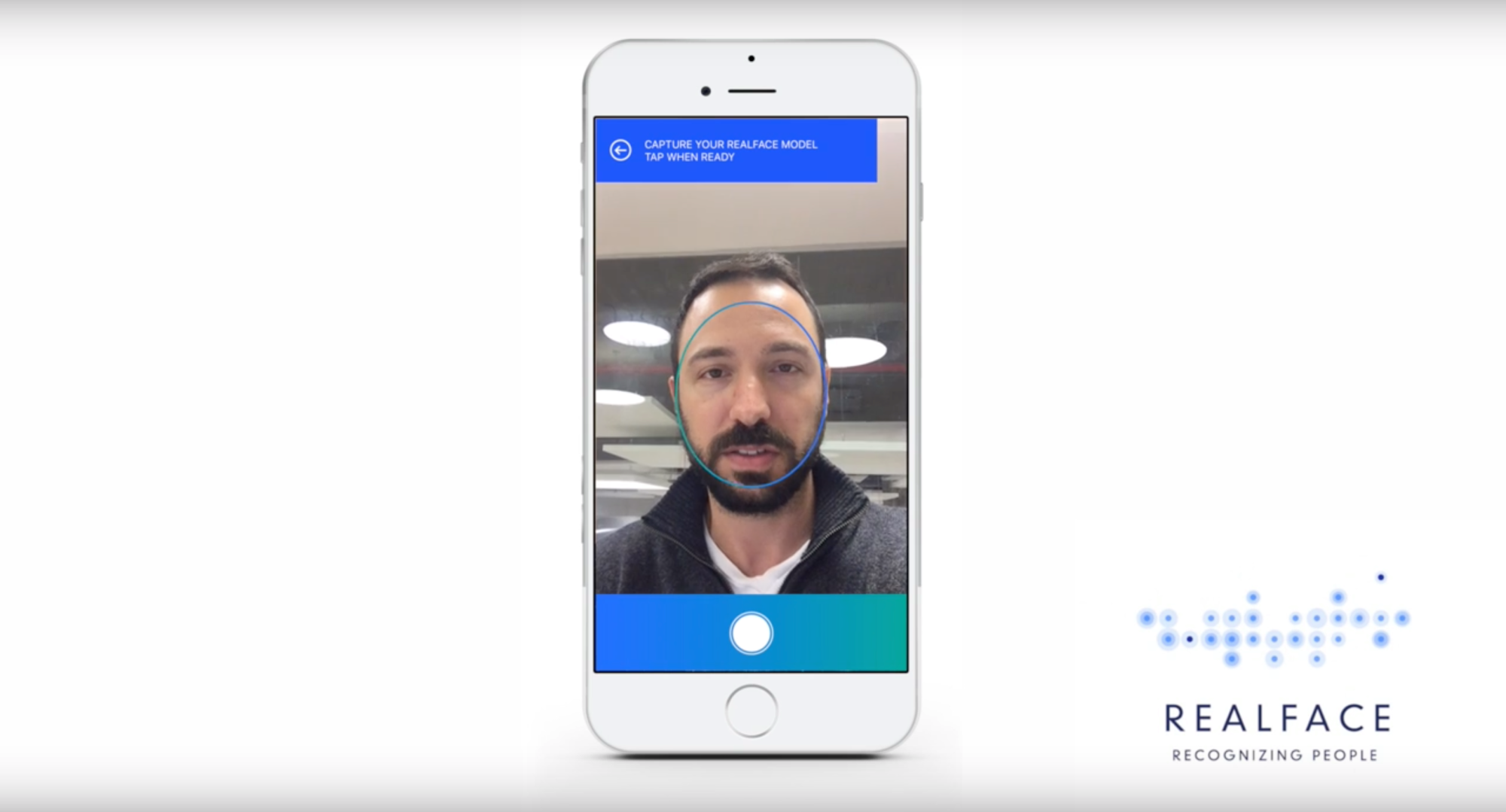

Apple Acquires Israeli Facial Recognition Startup RealFace


Apple’s acquisition of RealFace is said to be worth “several million dollars,” but specifics are unclear at this point. RealFace had raised around $1 million prior to the acquisition and employs 10 people. At this point, neither company has commented on the acquisition and we shouldn’t expect to learn too many details if either of them ever does.


RealFace had developed an iPhone app, Pickeez, that used facial recognition technology to automatically choose a user’s best photos across all of their social media platforms.


Earlier this week, a report claimed that Apple was planning to drop the current Touch ID feature and Home button for a new “function area” on the iPhone 8. As for a replacement for Touch ID, it has been rumored several times that Apple is developing other biometric technologies such as facial recognition. The company’s acquisition of RealFace only lends more fuel to that fire as Apple can use the talent and patents from RealFace for its own facial recognition.


Source: 9to5mac

Windows
Mac OS
iOS
Linux
3uTools
Win 64-bit For this device
V9.0 2025-11-11
Download
Win 32-bit For this device
V9.0 2025-11-11
Download
3uTools
Intel Chip How to Identify Chip Type
V9.0 2025-12-02
Download
Apple Silicon
V9.0 2025-12-02
Download
How to Identify Chip Type
1.  Click the Apple icon in the top-left corner of the screen and select About This Mac.
2.  Check the Processor or Chip field to determine if it is "Intel" or "Apple".
Please use the 3uTools PC client to install the iOS client:
1、 Install either the Windows or Mac version of 3uTools on your computer
2、 Open the PC client and connect your device to the computer via USB cable
3、 After the connection is successful, wait for the computer to automatically install the mobile app for the device, or locate “Install Mobile App” on the computer and manually click to install.
3uTools
deb file
V3.01 2025-11-20
Download
rpm file
V3.01 2025-11-20
Download
Windows
Windows
iOS
iOS
Android
Android
TV
TV
3uAirPlayer
Win 64-bit For this device
V6.0.2 2025-11-19
Download
Win 32-bit For this device
V6.0.2 2025-11-19
Download
iOS Device Mirroring (No App Required)
1、 Install 3uAirPlayer on the Windows PC
2、 Open Control Center and select Screen Mirroring
3、 From the list, choose your PC to start mirroring
4、 Or connect your iOS device to the PC via USB to begin mirroring
Scan to get "3uAirPlayer" App
3uAirPlayer TV V1.0.18
2025-11-28
TV System Requirements: Android 7.0 or later
Download the TV installation package, copy it to a USB drive, insert it into your TV or set-top box, then select the file from the home screen to install.




