 NEWS
NEWS
Apple Seeds Fourth Developer Beta for iOS 16.6 and iPadOS 16.6
 06/28/2023
 2042
2042
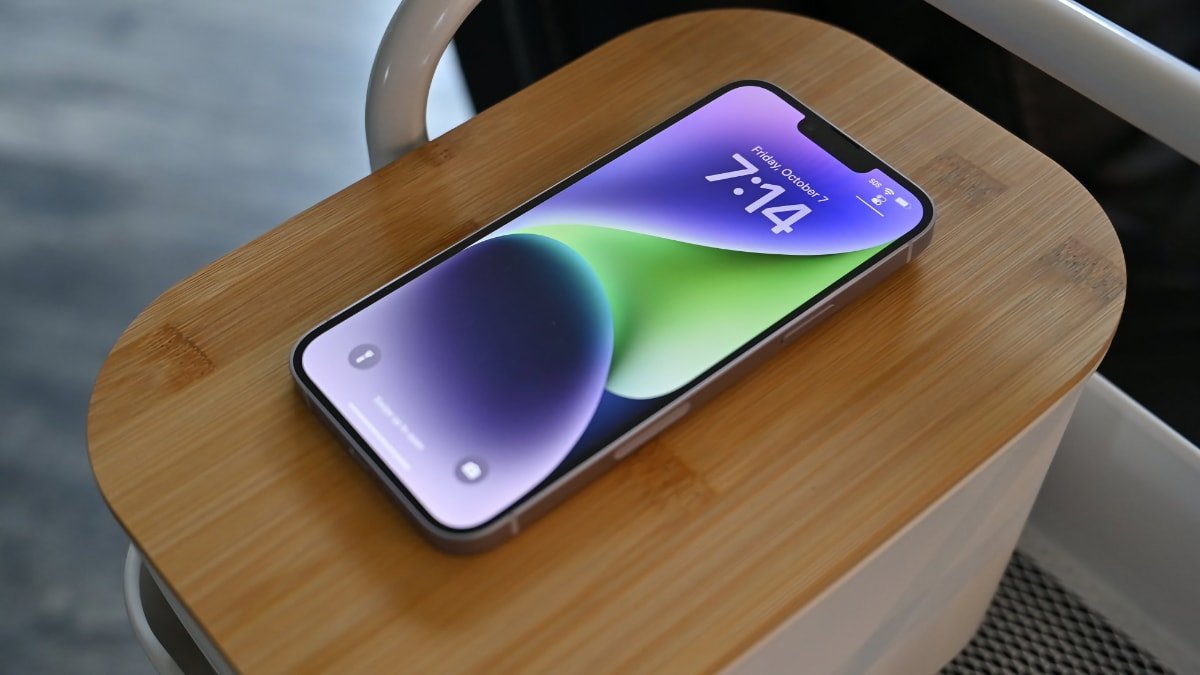
Following the availability of the iOS 17 and iPadOS 17 betas, Apple has now launched the fourth developer betas for iOS 16.6 and iPadOS 16.6.
Developers who are part of the beta program can acquire the most recent builds through two methods: accessing the Apple Developer Center or updating their devices in the Settings app. Following this, public beta versions are usually released shortly after the developer versions through the Apple Beta Software Program, allowing the general public to engage in testing.
The latest release featured the third developer betas for iOS 16.6 and iPadOS 16.6 from June 15. Although specific information regarding the enhancements and modifications in these betas has not been revealed, developers will discover more details as they dive into and interact with the operating systems.
Among the potential features being tested by Apple is iMessage Contact Key Verification. This feature is designed to address concerns regarding digital threats such as spyware, allowing users to verify the authenticity of individuals within the Messages app and ensuring that their messages are not intercepted.
Apple has released the most recent betas for iOS and iPadOS 16.6, which carry the build number 20G5058d. These betas come after the previous versions, numbered as 20G5047d, were made available by Apple.
AppleInsider and Apple strongly suggest users don't install beta operating systems or other beta software on "mission-critical" or primary devices, as there is the small chance of issues that could result in the loss of data. Testers should instead use secondary or non-essential hardware and ensure they have sufficient backups of their critical data at all times.
Source: Appleinsider









