 NEWS
NEWS
Apple Looks to Expand Beta Testing of iOS 15 as Stable Release Nears
 08/09/2021
 2847
2847
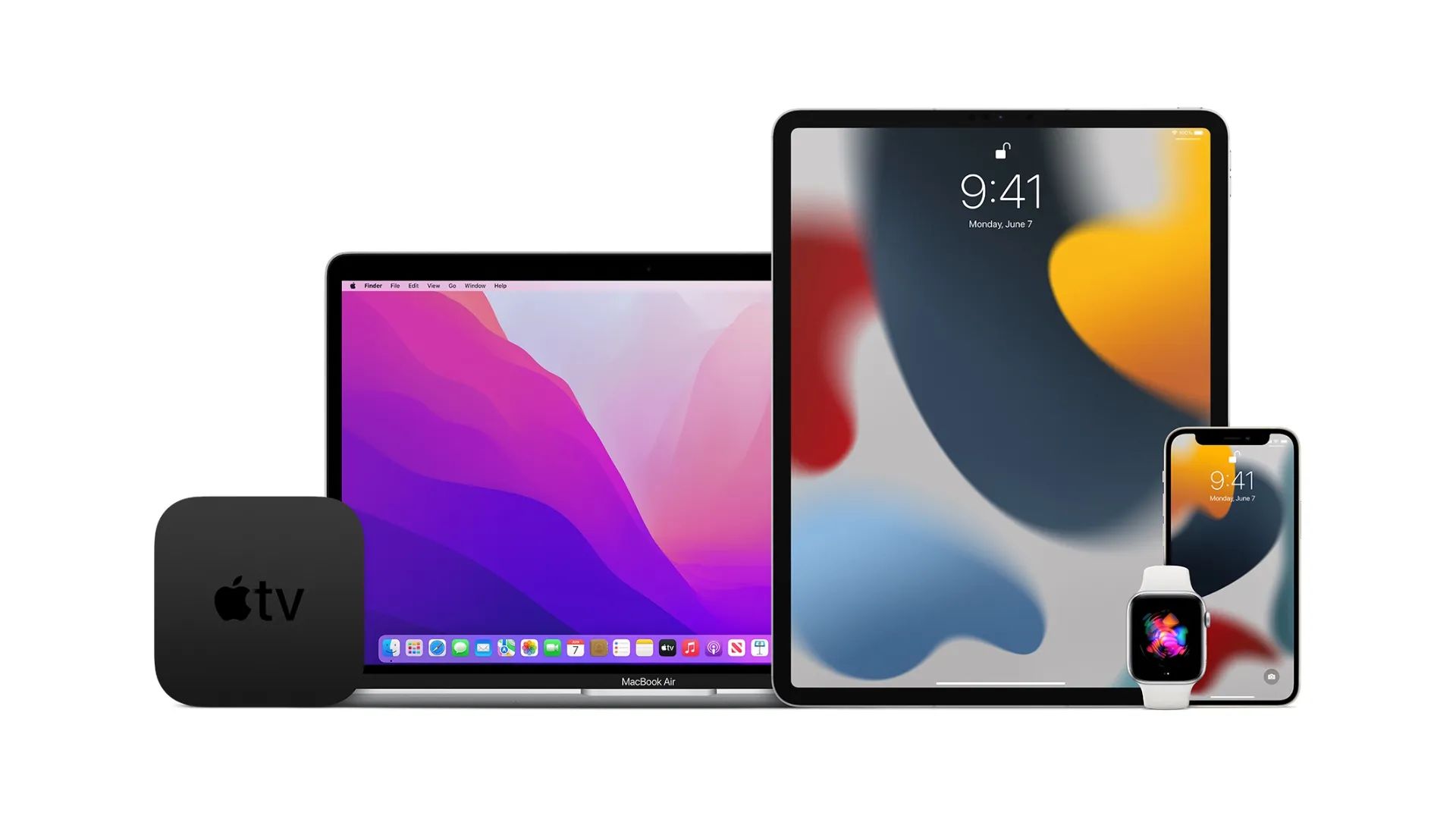
Last month, Apple launched the Beta Software Program for all users who want to preview iOS 15, iPadOS 15, macOS 12 Monterey, watchOS 8, and tvOS 15. Now, the the company is looking to expand beta testers and is sending emails to those subscribed to the beta program to try out its latest public betas.
As we approach beta 5 of all the upcoming operating systems, Apple seems confident that this is a good time for its Beta Software Program users to try out the public betas.
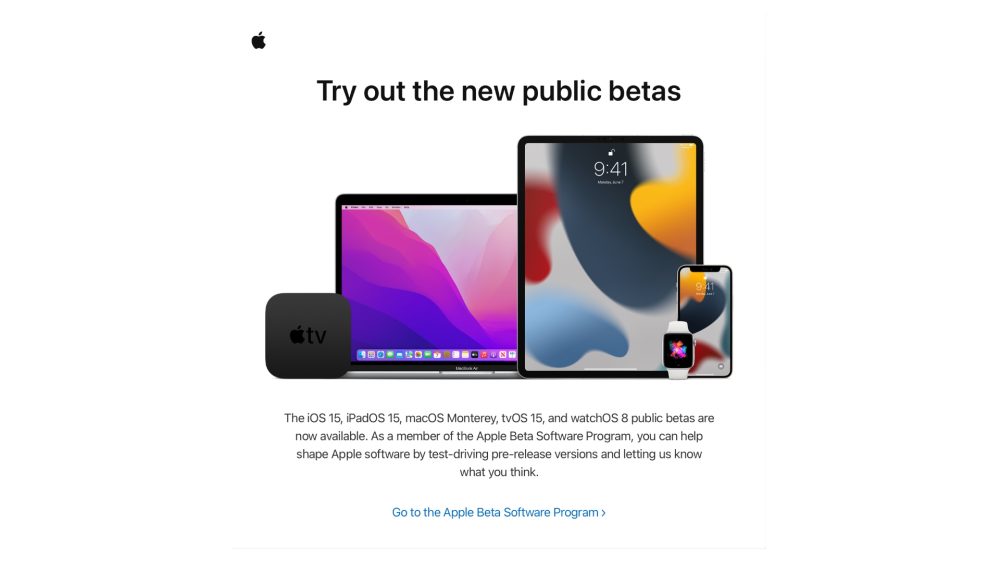
“The iOS 15, iPadOS 15, macOS Monterey, tvOS 15, and watchOS 8 public betas are now available. As a member of the Apple Beta Software Program, you can help shape Apple software by test-driving pre-release versions and letting us know what you think.”
Previewing Apple’s public betas is a way not only to be aware of all new changes coming in a few weeks but also to help the company report bugs in in the updates.
With iOS 15, iPadOS 15, and macOS 12 Monterey, Apple is revamping the FaceTime experience, bringing a new SharePlay feature with a new Shared with You tab as well as introducing a new Focus mode, which helps its users to focus on what matters the most at that moment.
All of these operating systems are also receiving their biggest update yet on Safari, which has a new UI that led to some controversies as well.
watchOS 8 brings more exercises, updates to the Always On Display, and new apps for the Find My network. tvOS 15 finally brings Spatial Audio support to the Apple TV+ shows while wearing AirPods, as well as HomePod mini as stereo speakers support.
Even when Apple launches iOS 15, iPadOS 15, macOS 12 Monterey, watchOS 8, and tvOS 15, users will still be able to keep enrolled on the Apple Beta Software Program, as they can continue to try upcoming updates to Apple’s software, such as iOS 15.1 and so on.
Learn more about Apple’s upcoming operating systems:
iOS 15
iPadOS 15
macOS 12 Monterey
watchOS 8
tvOS 15
Click here to learn how to join Apple Beta Software Program.
Are you running the betas of the Apple’s upcoming operating systems? What’s your experience so far? Tell us in the comment section below.
Source: 9to5mac










