
NEWS

AirTags Said to Be 'Completely Waterproof' and Use Magnetic Charging Like Apple Watch

02/25/2020

4029

In a report touching on several topics today, Japanese site Mac Otakara claims that Apple's Tile-like "AirTags" item trackers will be "completely waterproof" and use similar magnetic wireless charging to that seen on the Apple Watch. 
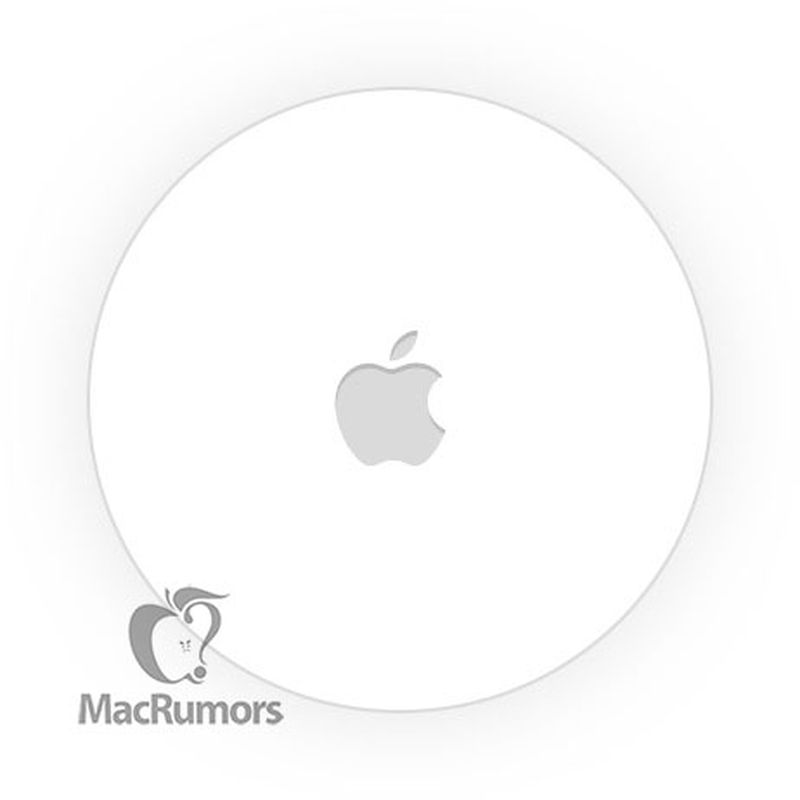
AirTags Said to Be 'Completely Waterproof' and Use Magnetic Charging Like Apple Watch


Evidence of ‌AirTags‌ has been found in builds of ‌iOS 13‌ since last summer, and it appears the small item trackers will show up in the Find My app and enable users to locate misplaced items. With ultra wideband support found in the iPhone 11 lineup and augmented reality, it looks like ‌AirTags‌ could offer high precision and direct the user straight to an item, even pinpointing it within a room. 

We're not sure when to expect ‌AirTags‌ to launch, but it looks like it may not be imminent yet, as noted analyst Ming-Chi Kuo said just last week that production isn't expected to ramp up until the second or third quarter, and today's report from Mac Otakara claims an announcement in the fall of this year, which would likely be alongside new iPhones in September.


Source: iclarified

Windows
Mac OS
iOS
Linux
3uTools
Win 64-bit For this device
V9.0 2025-11-11
Download
Win 32-bit For this device
V9.0 2025-11-11
Download
3uTools
Intel Chip How to Identify Chip Type
V9.0 2025-12-02
Download
Apple Chip
V9.0 2025-12-02
Download
How to Identify Chip Type
1.  Click the Apple icon in the top-left corner of the screen and select About This Mac.
2.  Check the Processor or Chip field to determine if it is "Intel" or "Apple".
Please use the 3uTools PC client to install the iOS client:
1、 Install either the Windows or Mac version of 3uTools on your computer
2、 Open the PC client and connect your device to the computer via USB cable
3、 After the connection is successful, wait for the computer to automatically install the mobile app for the device, or locate “Install Mobile App” on the computer and manually click to install.
3uTools
deb file
V3.01 2025-11-20
Download
rpm file
V3.01 2025-11-20
Download
Windows
Windows
iOS
iOS
Android
Android
TV
TV
3uAirPlayer
Win 64-bit For this device
V6.0.2 2025-11-19
Download
Win 32-bit For this device
V6.0.2 2025-11-19
Download
iOS Device Mirroring (No App Required)
1、 Install 3uAirPlayer on the Windows PC
2、 Open Control Center and select Screen Mirroring
3、 From the list, choose your PC to start mirroring
4、 Or connect your iOS device to the PC via USB to begin mirroring
Scan to get "3uAirPlayer" App
3uAirPlayer TV V1.0.18
2025-11-28
TV System Requirements: Android 7.0 or later
Download the TV installation package, copy it to a USB drive, insert it into your TV or set-top box, then select the file from the home screen to install.




