 NEWS
NEWS
Apple Insider Reveals Sudden iPhone Max Cancellation
 08/14/2019
 3599
3599
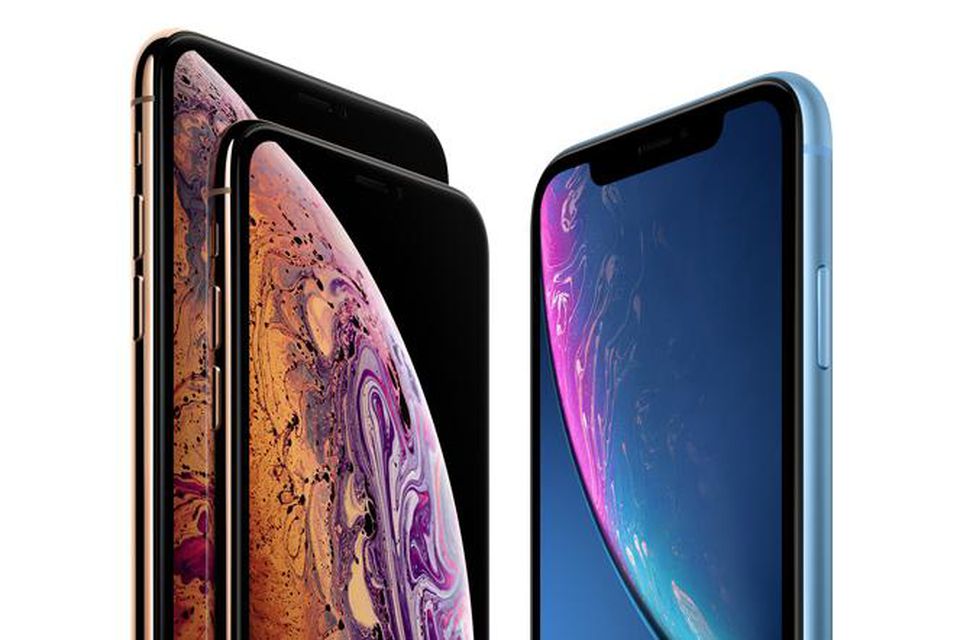
We know a lot about Apple’s new iPhone 11, including its polarizing design, headline upgrades and imminent release date. But now the biggest mystery about the company’s biggest phone has just been solved and it means a shock cancellation.
After one year, the iPhone Max is no more. According to remarkable Apple leaker CoinX, Apple is replacing its flagship iPhone with a new iPhone ‘Pro’ and there are likely to be significant consequences across the entire iPhone range.
But first, why is CoinX remarkable? Because the mysterious insider is the only leaker who still carries a 100% track record. The account has been around 10 months, but it has successfully revealed the return of the iPad Mini and Apple’s 2018 iPhone plans including their sizes, design differences, dimensions, charge speeds and (crucially) their new iPhone XS, XS Max and XR brand change.
So unless CoinX is about to spoil a perfect record, the iPhone range is going to change dramatically because there’s a lot in a name.
From a convenience perspective, the iPhone Pro will unify Apple’s iPhones with its iPad Pro, Mac Pro and MacBook Pro ranges. But from a user perspective, Pro ranges have always required differentiation so the equality of features previously enjoyed between its two premium iPhones looks set to come to an end.
This is because we already know Apple is sticking to its 6.1-inch XR and 5.8-inch XS and 6.5-inch Max form factors and with no fourth model (and, presumably, no desire from Apple to call the 6.5-inch model the iPhone Pro Max), it is the latter which will have to stand out. How remains unclear (exclusive Apple Pencil support and a much bigger battery are rumored), but the shift is an obvious way for Apple to upsell customers and boost average sales prices while iPhone sales continue to slow.
Interestingly, CoinX does not say what form of numeral will be used in the iPhone this year (9to5Mac has received an iPhone 11 Pro tip-off) but, while it may not be the differentiator fans wanted, Apple’s 2019 iPhones have just become a lot more mysterious and a lot more interesting.
In a week where Face ID was hacked and Apple was called out for “user-hostile” iPhone battery practices, that’s a very welcome change of focus. And it may just turn enough heads that buyers upgrade now and forget about the company’s big 2020 iPhone revamp.
Source: Forbes










