 NEWS
NEWS
Apple Hires Tesla’s Head of Electric Powertrains in Effort to Bring Electric Car to Market
 04/01/2019
 4033
4033
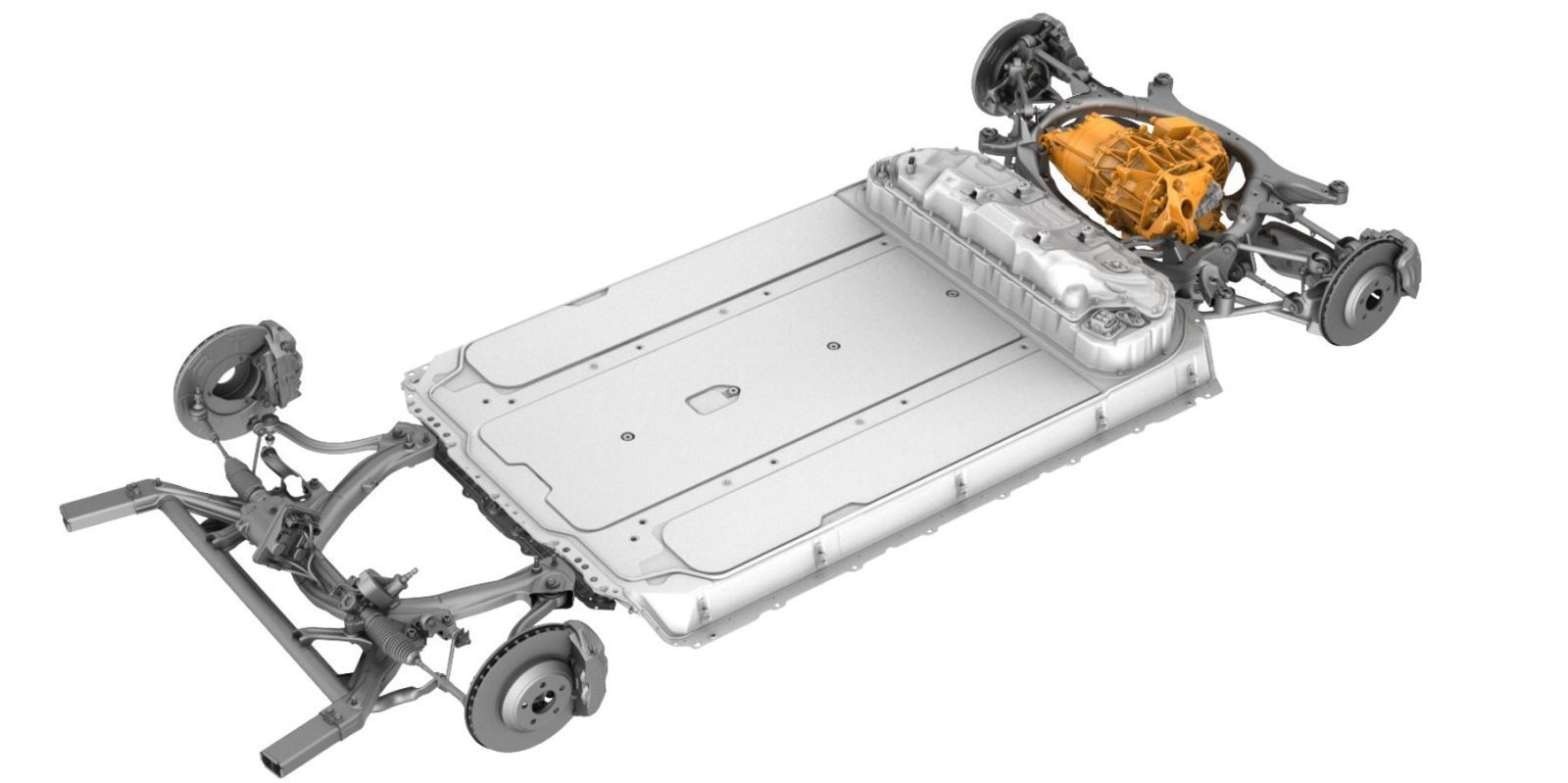
There has long been a debate about Apple’s secretive automotive project being only about a self-driving system for vehicles rather than a full electric autonomous vehicle. It now looks clear that the latter is the case as Apple hires Tesla’s head of electric powertrains.
Earlier this month, we reported on Tesla losing its VP of Engineering behind its latest electric powertrains; Michael Schwekutsch.
We described his departure from Tesla as a big loss for the company since he is amongst the most experienced engineers who have brought electric powertrain programs to market, not just at Tesla, but in the industry as a whole.
When Schwekutsch joined Tesla back in 2015, we described his background:
“Michael Schwekutsch joined Tesla last year to lead powertrain developments after a two-decade long career working for legendary third-party powertrain engineering firms like BorgWarner and GKN Driveline. More recently, he managed programs for the electric and hybrid powertrains of the BMW i8, Porsche 918 Spyder, Fiat 500eV, Volvo XC90, among other popular vehicles.
Today, he is responsible for Tesla’s drive units from the design and engineering to the manufacturing and validation – all operations currently done at the Tesla Factory in Fremont, California.”
At Tesla, he participated in the development of “leading edge Drive Systems like the one of the Tesla Roadster II and Tesla Semi / Tesla Truck.”
Now Electrek learns from separate sources that he joined Apple’s Special Project Group, which includes the Cupertino company’s Project Titan division.
He is the latest of several top Tesla engineers to join the project, which was for a time thought to only consist of a self-driving system for vehicles after a scale-back of the plan. Now that Schwekutsch, who has exclusively worked on electric powertrains over the last decade, has joined Apple, it is becoming clear that the company plans to bring a complete electric vehicle to market.
Schwekutsch will join back Doug Field, who was a longtime engineering executive at Tesla before going back to Apple to lead their car project last year alongside Bob Mansfield, who Apple brought out of retirement in 2016 to lead its Project Titan car team.
Electrek has learned that Apple is also hiring several other former Tesla employees in what appears to be another wave of the poaching war between the two companies.
At the height of it back in 2015, Tesla CEO Elon Musk said about Apple:
“They have hired people we’ve fired. We always jokingly call Apple the ‘Tesla Graveyard.”
More recently, however, Apple has hired some longtime executives and engineers that don’t appear to have been let go by Tesla. That said, the company has laid off many employees over the last year and some of them did go to Apple, which has experienced employment cut-backs of its own.
Schwekutsch comes to the program after some layoffs within the team confirmed last month.
Source: electrek










