 NEWS
NEWS
Apple Will Now Fix iPhones Even If They Have Third-party Batteries
 03/06/2019
 4052
4052
If your iPhone has a non-Apple battery inside of it, Apple will apparently still repair it.
Apple will still fix broken iPhones even if you had an unofficial battery installed.
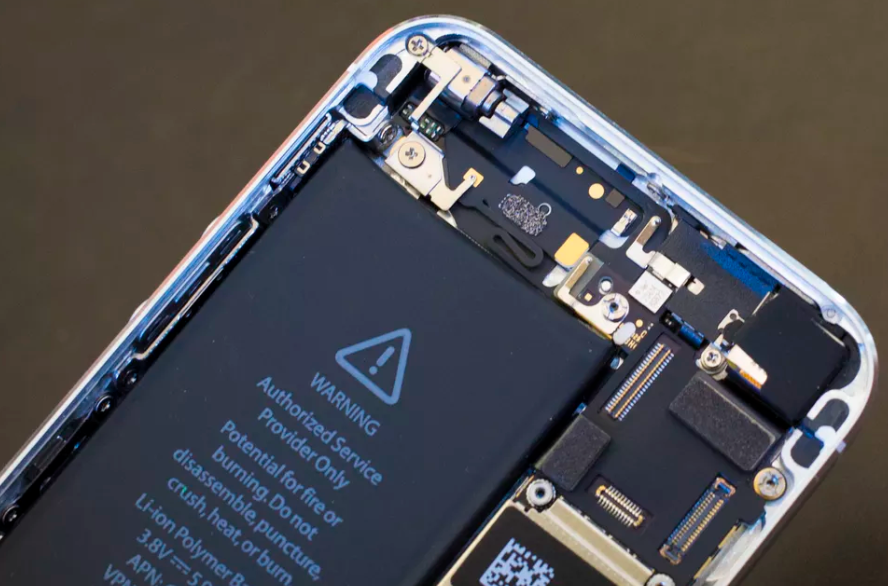
Apple has reportedly changed its rule about fixing iPhones with unauthorized batteries in them, according to French tech news site iGeneration and MacRumors. The policy was reportedly updated on Feb. 28, and it allows Apple employees to repair broken iPhones even if you replaced the device's battery with a third-party model.
This is a major shift in policy, if true -- Apple has previously refused to service any iPhone with a third-party battery no matter the issue. The change is similar to that in 2017, however, when Apple loosened its restriction on repairing iPhones with third-party displays.
Citing internal documents from "three reliable sources," MacRumors reported that if the issue is battery-related, Apple will replace the third-party battery with its own battery for a fee. If your iPhone has other unofficial components, however, such as microphones and sensors, Apple can still refuse service.
Apple did not immediately reply to a request for comment.
Replacing an iPhone's battery with a fresh one is one of the more common fixes to boost the performance of old devices. In January 2018, Apple launched a program to replace old batteries for $29 after many users experienced a significant slowdown with their iPhones (batteries for iPhone X and later models cost $69). A year after the program started, Apple had reportedly replaced 11 million iPhone batteries.
Source: cnet










