NEWS

Apple is Offering an Extended Apple Music Trial During the Grammys for Shazam Users

02/11/2019

3152

Apple is Offering an Extended Apple Music Trial During the Grammys for Shazam Users


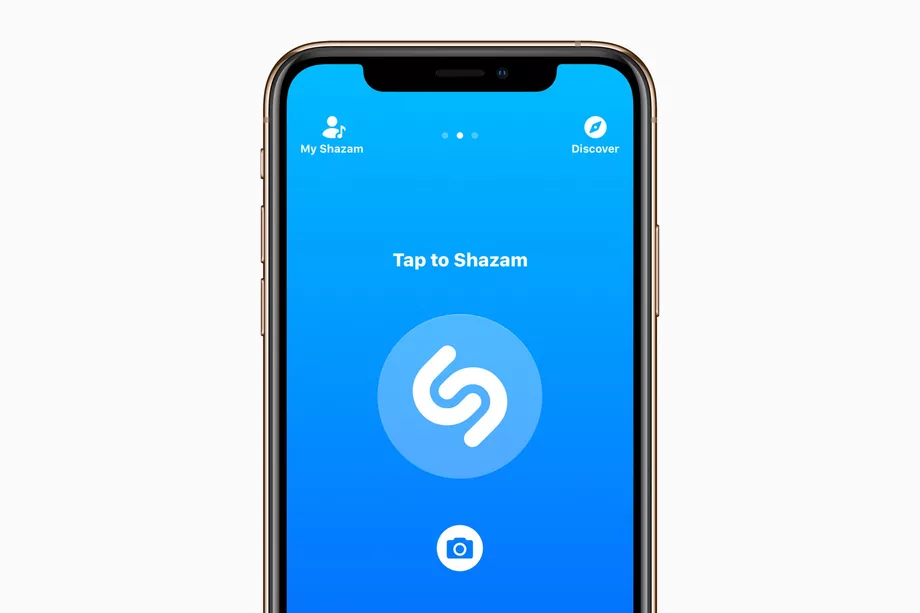
Apple acquired Shazam last year, and it’s using the music search app to provide a special offer for users who are watching tonight’s Grammy Awards (as spotted by 9to5Mac). They’ll get a rundown of the award show in the app, and can unlock an extended, four-month free trial for Apple Music.


The company is promoting the offer on a card in its App Store: “Viewers at home can also Shazam the Grammy Awards at any point during the broadcast to identify songs from the awards show and unlock a special offer from Apple Music.” The app will show off a timeline of music from the show, and anyone who uses the app to identify a song will get the extended offer.


That’s an additional month above the usual free trial for new Apple Music subscribers — if you’ve been on the fence about signing up, it might be a good opportunity to check it out.


Source: the verge

Windows
Mac OS
iOS
Linux
3uTools
Win 64-bit For this device
V9.0 2025-11-11
Download
Win 32-bit For this device
V9.0 2025-11-11
Download
3uTools
Intel Chip How to Identify Chip Type
V9.0 2025-12-02
Download
Apple Silicon
V9.0 2025-12-02
Download
How to Identify Chip Type
1.  Click the Apple icon in the top-left corner of the screen and select About This Mac.
2.  Check the Processor or Chip field to determine if it is "Intel" or "Apple".
Please use the 3uTools PC client to install the iOS client:
1、 Install either the Windows or Mac version of 3uTools on your computer
2、 Open the PC client and connect your device to the computer via USB cable
3、 After the connection is successful, wait for the computer to automatically install the mobile app for the device, or locate “Install Mobile App” on the computer and manually click to install.
3uTools
deb file
V3.01 2025-11-20
Download
rpm file
V3.01 2025-11-20
Download
Windows
Windows
iOS
iOS
Android
Android
TV
TV
3uAirPlayer
Win 64-bit For this device
V6.0.2 2025-11-19
Download
Win 32-bit For this device
V6.0.2 2025-11-19
Download
iOS Device Mirroring (No App Required)
1、 Install 3uAirPlayer on the Windows PC
2、 Open Control Center and select Screen Mirroring
3、 From the list, choose your PC to start mirroring
4、 Or connect your iOS device to the PC via USB to begin mirroring
Scan to get "3uAirPlayer" App
3uAirPlayer TV V1.0.18
2025-11-28
TV System Requirements: Android 7.0 or later
Download the TV installation package, copy it to a USB drive, insert it into your TV or set-top box, then select the file from the home screen to install.