NEWS

Razer Announces Entry-level eGPU Enclosure with Support for macOS

05/23/2018

2659

Razer Announces Entry-level eGPU Enclosure with Support for macOS


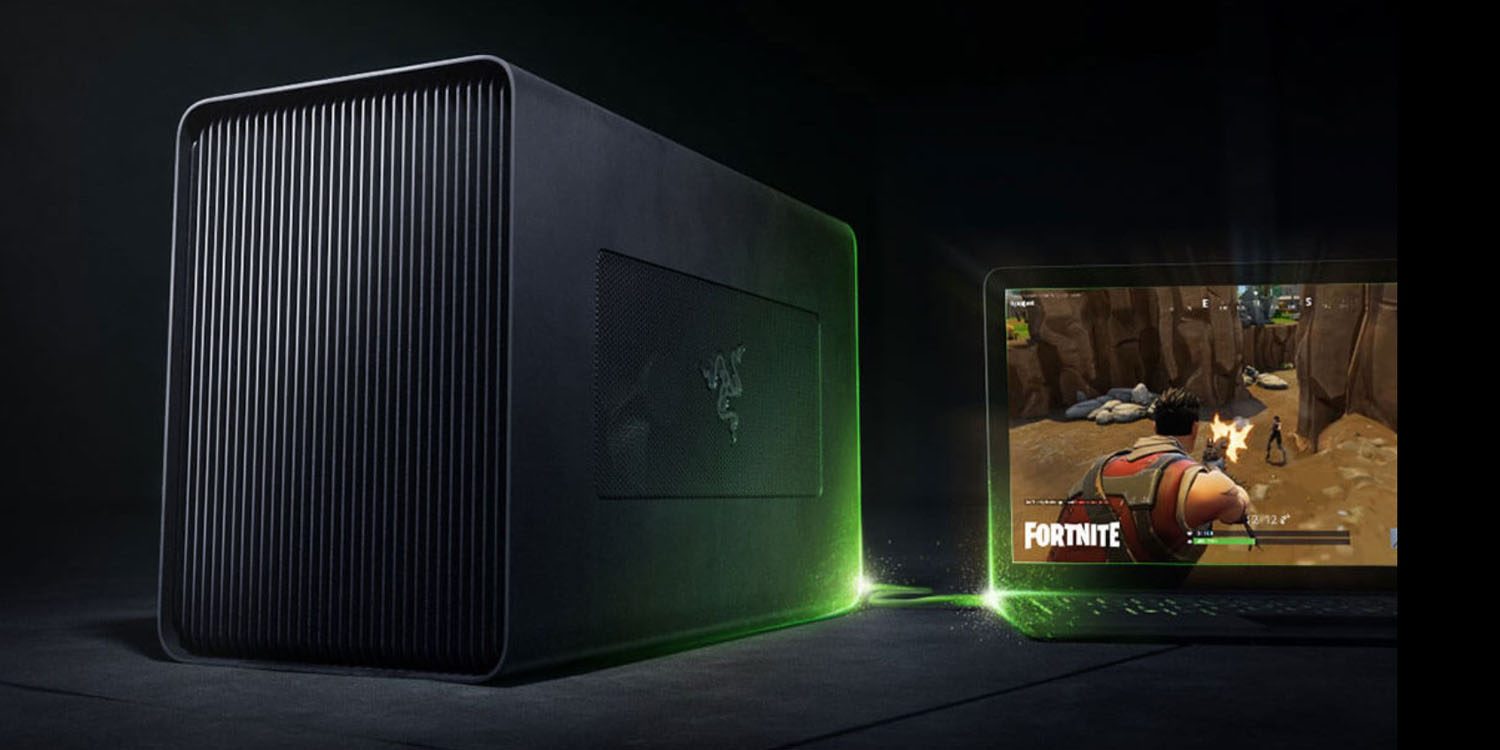
Razer has announced the Core X, a new entry-level eGPU enclosure which is compatible with Macs with a Thunderbolt 3/USB-C port.


"Give your thin and light laptop the power of a full gaming rig. Whether you’re hunting down enemies in an apocalypse or designing your own 3D world, the Razer Core X delivers desktop-class graphics to your laptop instantly. Compatible with Thunderbolt 3 Windows 10 or Mac laptops …"


Razer says that the $300 eGPU is plug-and-play, with no need for a reboot after connecting.


It can be used with compatible Macs running macOS High Sierra 10.13.4 or later, and its 650W power supply can also power MacBook Pro models through the USB-C connection, delivering up to 100W.


Razer says the Core X is compatible with PCI-Express graphics cards, and lists seven Mac-compatible GPU cards.

  • AMD Radeon RX 570

  • AMD Radeon RX580

  • AMD Radeon Pro WX 7100

  • AMD Radeon RX Vega 56

  • AMD Radeon RX Vega 64

  • AMD Vega Frontier Edition Air

  • AMD Radeon Pro WX 9100


The housing measures around 15 x 9 x 7 inches.


The Razer Core X is available today from the company’s website.


Source: 9to5mac

Windows
Mac OS
iOS
Linux
3uTools
Win 64-bit For this device
V9.0 2025-11-11
Download
Win 32-bit For this device
V9.0 2025-11-11
Download
3uTools
Intel Chip How to Identify Chip Type
V9.0 2025-12-02
Download
Apple Silicon
V9.0 2025-12-02
Download
How to Identify Chip Type
1.  Click the Apple icon in the top-left corner of the screen and select About This Mac.
2.  Check the Processor or Chip field to determine if it is "Intel" or "Apple".
Please use the 3uTools PC client to install the iOS client:
1、 Install either the Windows or Mac version of 3uTools on your computer
2、 Open the PC client and connect your device to the computer via USB cable
3、 After the connection is successful, wait for the computer to automatically install the mobile app for the device, or locate “Install Mobile App” on the computer and manually click to install.
3uTools
deb file
V3.01 2025-11-20
Download
rpm file
V3.01 2025-11-20
Download
Windows
Windows
iOS
iOS
Android
Android
TV
TV
3uAirPlayer
Win 64-bit For this device
V6.0.2 2025-11-19
Download
Win 32-bit For this device
V6.0.2 2025-11-19
Download
iOS Device Mirroring (No App Required)
1、 Install 3uAirPlayer on the Windows PC
2、 Open Control Center and select Screen Mirroring
3、 From the list, choose your PC to start mirroring
4、 Or connect your iOS device to the PC via USB to begin mirroring
Scan to get "3uAirPlayer" App
3uAirPlayer TV V1.0.18
2025-11-28
TV System Requirements: Android 7.0 or later
Download the TV installation package, copy it to a USB drive, insert it into your TV or set-top box, then select the file from the home screen to install.