 NEWS
NEWS
2018 iPhones May Kill 3.5mm Adapter Two Years after Headphone Jack, iPhone X Estimates Drop
 05/02/2018
 3695
3695
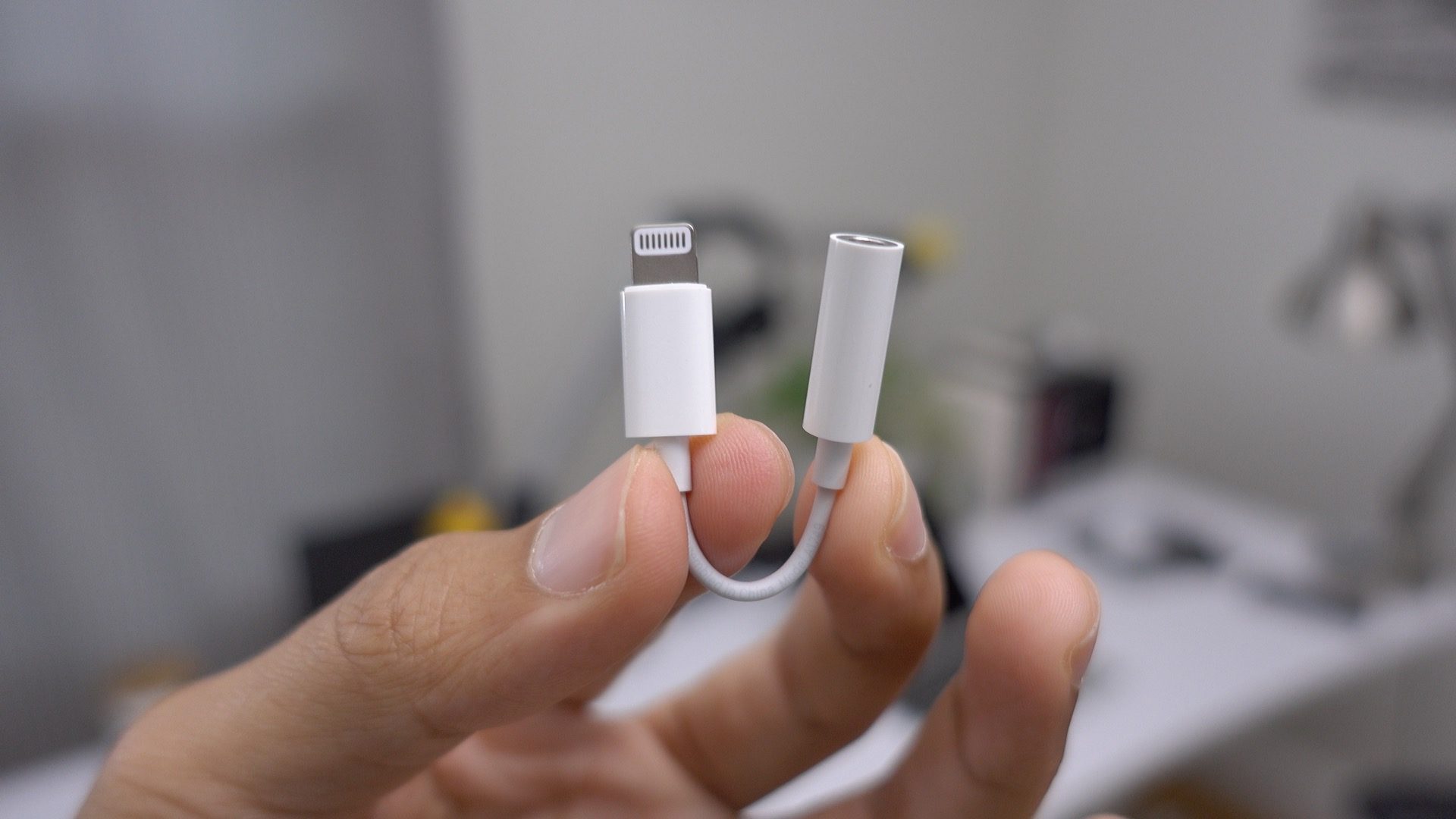
Barclays is out with two analyst notes on Apple. Mark Moskowitz has lowered iPhone X estimates again, while Blayne Curtis predicts Apple may stop bundling the Lightning to 3.5mm headphone adapter with iPhones in the future.
First up, in discussing the performance of Apple’s suppliers, Barclays’ Blayne Curtis says that they are currently expecting upcoming iPhones to skip the included “dongle”. Apple has included the $9 Lightning to 3.5mm headphone adapter since the iPhone 7 arrived without a headphone jack and continued to do so with its 2017 iPhone lineup.
Barclays analyst Mark Moskowitz tackles the outlook for AAPL share buybacks, iPhone X demand estimates and more ahead of Apple’s earnings call tomorrow. The note shares a lowered AAPL target price due to a few factors.
Like many others, Moskowitz is again lowering iPhone estimates, particularly for iPhone X after previously doing the same last month. Barclays cites price being too high on the flagship iPhone along with most users only caring about “battery life, camera and texting, which means ASPs to decline for both the industry and Apple.”
While Moskowitz expects the lower priced 2018 LCD iPhone to boost iPhone sales, he believes it will only be a short-term gain and won’t increase Apple’s services revenue in a meaningful way.
Additionally, the report notes that AAPL shares could see a sell-off after tomorrow’s earnings call if capital returns just meet expectations.
Barclays cut its target price for AAPL, putting it at $157 (currently at $165.59 at the time of writing).
Source: 9to5mac










