 NEWS
NEWS
Apple Seeds iOS 11 Golden Master to Developers Ahead of September 19 Public Launch
 09/12/2017
 4551
4551
Apple today seeded the golden master (GM) version of iOS 11 to developers. The golden master represents the final version of iOS 11 that will be released to the public, and it comes after a beta testing period that saw Apple release a record 10 betas.
Registered developers can download the iOS 11 golden master from the Apple Developer Center or over-the-air once the proper configuration profile has been installed. 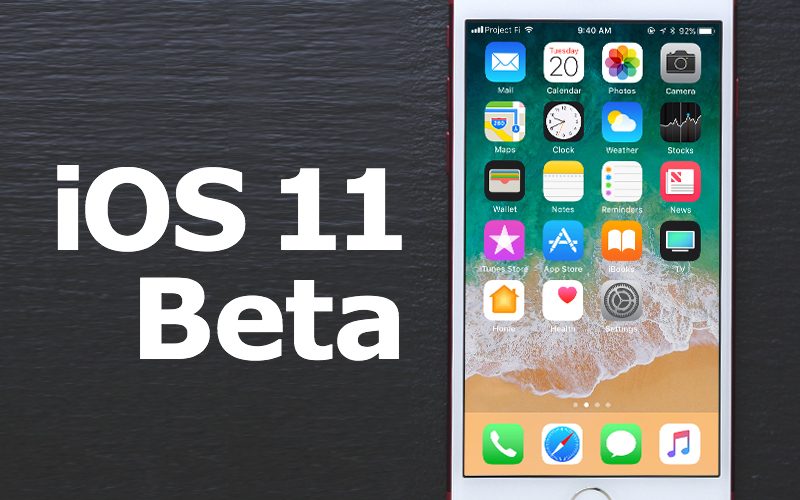
iOS 11 is a major update to the operating system designed for the iPhone and the iPad. It introduces several new design changes like a customizable Control Center and a reimagined Lock screen that's been merged with the Notification Center, along with smaller tweaks like bolder fonts, redesigned app icons for major apps, and a revamped App Store.
Peer-to-peer Apple Pay payments are coming in the Messages app, a Do Not Disturb While Driving feature is designed to help drivers stay focused on the road, and Siri has been enhanced with a new more natural voice, cross-device syncing, and the ability to learn more about each user's habits.
Photos includes new editing options for Live Photos, the Camera app offers optical image stabilization for Portrait Mode, Apple Music lets you follow friends, Maps features indoor mapping and lane guidance, and Notes has a new Document Scanner and handwriting recognition.
ARKit for developers brings a range of new augmented reality apps and games to iOS devices, and a new Core ML SDK lets developers build smarter apps. iOS 11 is also the biggest update ever for the iPad, with a new Dock that introduces much improved multitasking, a Files app for better managing files, improved Apple Pencil support, a revamped App Switcher, and a system-wide drag and drop feature.
iOS 11 will be released to the public on Tuesday, September 19, three days ahead of the official launch date of the iPhone 8 and 8 Plus.
For more details on all of the new features included in iOS 11, make sure to check out our iOS 11 roundup.
Source: macrumors










