 NEWS
NEWS
Apple Celebrates Pride During Parades in San Francisco, New York City, and Toronto
 06/26/2017
 6546
6546
Apple this weekend participated in a few LGBTQ pride parades happening around the world, including those in San Francisco, New York City, and Toronto.
Apple CEO Tim Cook tweeted his support for the parades, wishing a happy pride, "to all our employees, their families and customers around the world!"
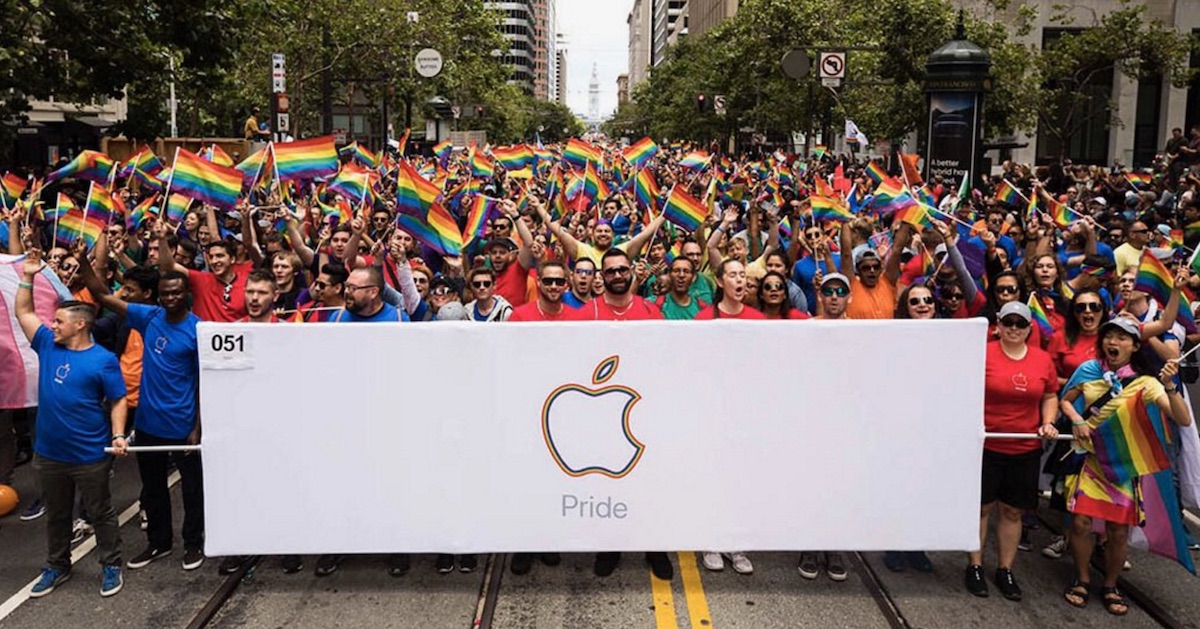
Happy #Pride2017 to all our employees, their families and customers around the world! Today we're showing #applepride in SF, NYC and Toronto pic.twitter.com/ngM48Fy0Ws
— Tim Cook (@tim_cook) June 25, 2017
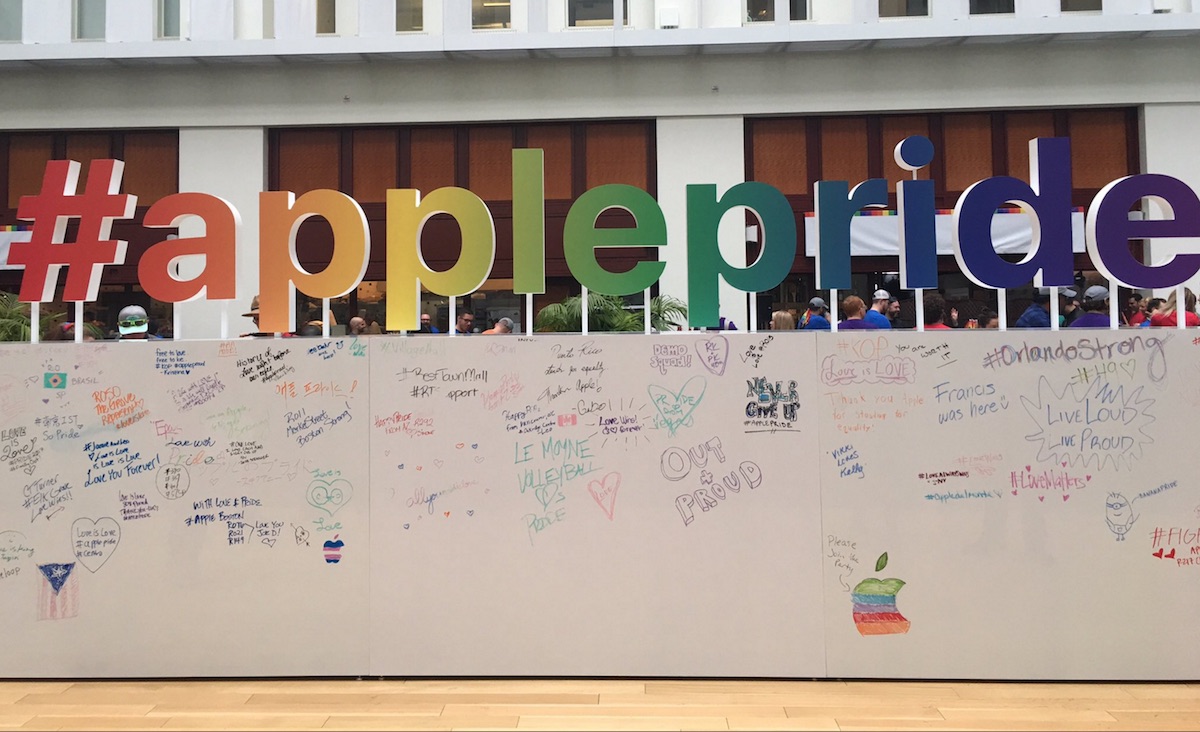
The company handed out t-shirts with a rainbow Apple logo to those marching in the parades, and in San Francisco there was a large #applepride structure where visitors were able to write their own messages regarding the celebrations.
In previous years Apple has taken to the streets for the pride parade in San Francisco with similar pride t-shirts for employees, commemorative videos posted on YouTube, iTunes gift cards, and a custom rainbow Apple Watch Woven Nylon band. The Pride Edition Woven Nylon band launched to the public during WWDC earlier this month, and Apple this week confirmed a portion of its proceeds are going to help LGBTQ organizations like The Trevor Project and the HRC.
Apple has long voiced support for LGBTQ causes like same sex marriage, as well as having spoken out against some controversial laws that predominantly risked negatively affectingthe lives of gay, lesbian, and transgender individuals. Before he publicly came out as gay in late 2014, Apple CEO Tim Cook fought for equality in speeches and op-eds. Under late CEO Steve Jobs, Apple also opposed many discriminatory laws, including 2008's Proposition 8 that sought to eliminate the right to same sex marriage in California.
Note: Due to the political nature of the discussion regarding this topic, the discussion thread is located in our Politics, Religion, Social Issues forum. All forum members and site visitors are welcome to read and follow the thread, but posting is limited to forum members with at least 100 posts.
Source: macrumors










