 NEWS
NEWS
Apple Secretly Patched iPhone Flaw Allowing Unauthorized Collection
 04/13/2017
 4636
4636
Apple in 2016 issued a fix for a website-based iOS exploit that could've allowed hackers to collect sensor data from iPhones, and potentially learn many things about their targets —even their passcodes, researchers revealed this week.
Findings shared by the researchers, based at Newcastle University in the U.K., noted that Web browsers don't need to ask permission for most sensor data, and that motion data in particular can be used to gauge what someone is doing on their phone. Through analysis, it was possible to crack a four-digit PIN with 70 percent accuracy on the first guess, and reach 100 percent accuracy by the fifth.
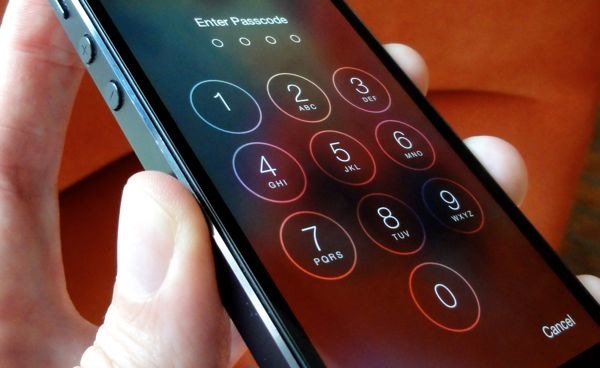
A JavaScript exploit was used to run the malware needed to gather data.
Companies like Apple and Google were alerted to the problem, and at least Apple Safari and Mozilla Firefox have been "partially" fixed, according to Newcastle. The university cautioned however that it's "still working with industry" on a comprehensive solution, and that people worried about their privacy should do things like change PINs and passwords regularly, keep their devices up-to-date, and close background apps they don't need.
Google is said to be aware of the trouble, but without any fix so far.
Apple's software fix came with iOS 9.3, released in March last year. That update also introduced Night Shift and secure Notes, while solving a security gap in iMessage. It proved problematic in its own right though, creating issues with Activation Lock and Web links that Apple had to fix in short order.
Source: appleinsider










