
TUTORIALS

Should You Buy AppleCare+ for Your iPhone X? It Depends

02/08/2018

4087

Deciding whether or not to buy AppleCare+ with Apple products can be a tough decision, and the $999-$1149 price of the iPhone X doesn’t make the decision any easier. The cost of AppleCare+ increased for pricier iPhones, but so did the repair costs for out-of-warranty damage.


No one wants to get stuck with a huge out-of-pocket fee to repair a busted iPhone X, although it’s worth considering the math before buying or passing on AppleCare+ for iPhone X.


As we reported Apple charges $29 for screen repairs in warranty, $99 for non-screen repairs in warranty, $279 for screen repairs out of warranty, and $549 for non-screen repairs out of warranty.
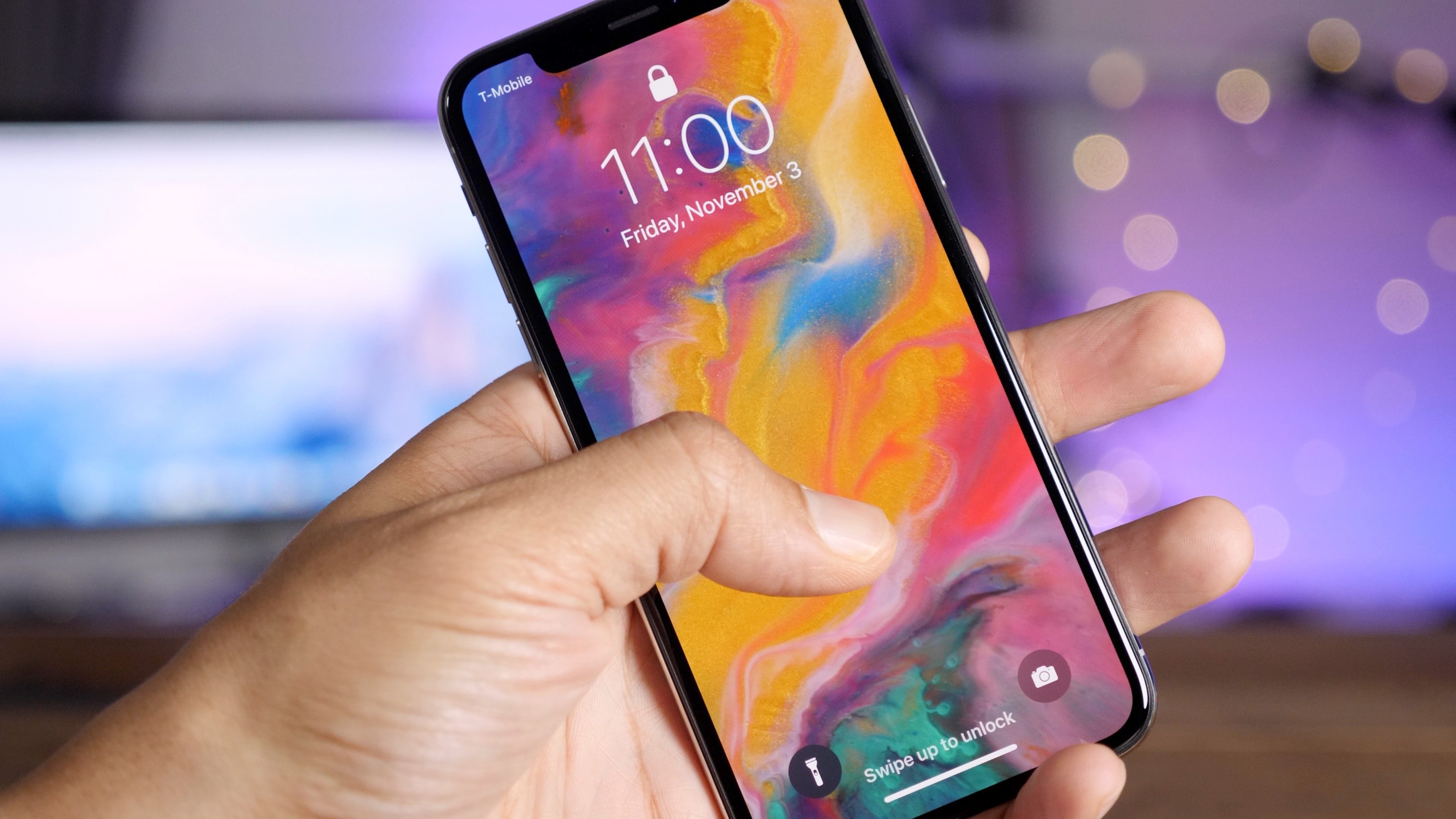

Should You Buy AppleCare+ for Your iPhone X? It Depends


  • $0: No AppleCare+ with no repairs

  • $199: AppleCare+ with no accidental damage claims

  • $228: AppleCare+ and one screen repair

  • $257: AppleCare+ and two screen repair

  • $279: No AppleCare+ and one screen repair

  • $298: AppleCare+ and one non-screen repair

  • $327: AppleCare+, one screen repair, and one non-screen repair

  • $397: AppleCare+ and two non-screen repairs

  • No AppleCare: $549: one non-screen repair

  • No AppleCare: $558: two screen repairs

  • No AppleCare: $828: one screen repair, and one non-screen repair

  • No AppleCare: $1098: two non-screen repairs


If you don’t buy AppleCare+ and never need it, you save $199; if you buy AppleCare+ and never use it, you might waste $199. All other scenarios will likely pay off if you anticipate accidentally damaging your iPhone X within the first two years of owning it.


Hopefully seeing the total cost for each possible scenario helps your buying decision.


Source: 9to5mac


Windows
Mac OS
iOS
Linux
3uTools
Win 64-bit For this device
V9.0 2025-11-11
Download
Win 32-bit For this device
V9.0 2025-11-11
Download
3uTools
Intel Chip How to Identify Chip Type
V9.0 2025-12-02
Download
Apple Chip
V9.0 2025-12-02
Download
How to Identify Chip Type
1.  Click the Apple icon in the top-left corner of the screen and select About This Mac.
2.  Check the Processor or Chip field to determine if it is "Intel" or "Apple".
Please use the 3uTools PC client to install the iOS client:
1、 Install either the Windows or Mac version of 3uTools on your computer
2、 Open the PC client and connect your device to the computer via USB cable
3、 After the connection is successful, wait for the computer to automatically install the mobile app for the device, or locate “Install Mobile App” on the computer and manually click to install.
3uTools
deb file
V3.01 2025-11-20
Download
rpm file
V3.01 2025-11-20
Download
Windows
Windows
iOS
iOS
Android
Android
TV
TV
3uAirPlayer
Win 64-bit For this device
V6.0.2 2025-11-19
Download
Win 32-bit For this device
V6.0.2 2025-11-19
Download
iOS Device Mirroring (No App Required)
1、 Install 3uAirPlayer on the Windows PC
2、 Open Control Center and select Screen Mirroring
3、 From the list, choose your PC to start mirroring
4、 Or connect your iOS device to the PC via USB to begin mirroring
Scan to get "3uAirPlayer" App
3uAirPlayer TV V1.0.18
2025-11-28
TV System Requirements: Android 7.0 or later
Download the TV installation package, copy it to a USB drive, insert it into your TV or set-top box, then select the file from the home screen to install.




