 TUTORIALS
Here's What Happens When You Start Deleting the Default Apps in Apple's iOS 10
 11/17/2016
 8086
8086
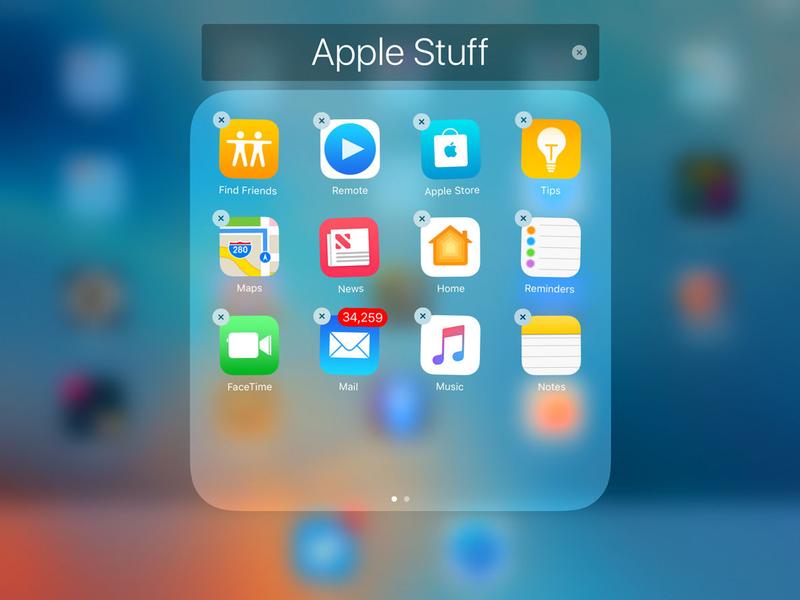
Now users can delete most the Apple’s default apps. Some of the apps that can be deleted provide features or functions to other parts of the iOS operating system. And when they’re deleted, sometimes the functions can still be accessed, but sometimes they cannot. Apple says deleting the apps saves only about 150 MB of space. Deleting an app generally also removes associated data and configuration files, but not always.
For example, deleting the Contacts app doesn’t delete the information about all the contacts. That info can still be used in the Phone app. Deleting the FaceTime video conferencing app doesn’t remove the same capability from the Phone app—or the ability to initiate FaceTime calls from the Contacts app, if that app is still around.
However, there would not be any influence, because if Apple let users delete Apple Apps, Apple will ensure system stability of the device.
Finally, users can bring back any default app that they’ve deleted using the App Store app or 3uTools. Simply search for the app you want to install and bring it back to your iPhone.
(You don’t want to miss the tutorial: How to Download Apps Using 3uTools.)
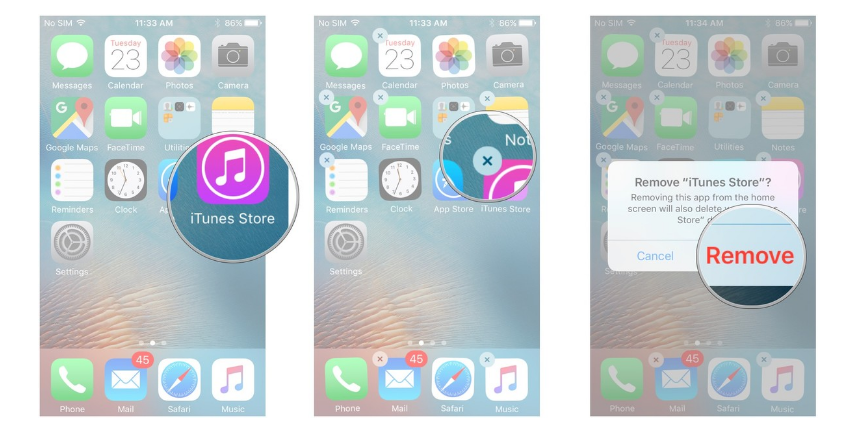
Which pre-installed Apple apps can I delete from my iPhone and iPad?
Calculator, Calendar, Compass, Contacts (iPhone only, contact information is retained in the Phone app), FaceTime, Find My Friends, Home, iBooks, iCloud Drive, iTunes Store, Mail, Maps, Music (if removed, you won't be able to use it with CarPlay), News, Notes, Podcasts, Reminders, Stocks, Tips, Videos, Voice Memos, Watch app (you'll have to unpair your Apple Watch before deleting it), Weather










