TUTORIALS

iPhone X Marketing Video Wallpapers

01/26/2019

6922

iPhone X Marketing Video Wallpapers


The best feature of iPhone X will be the Super Retina OLED Display. If you want a sneak peak, just go to your local Best Buy and checkout an LG OLED UHD TV and then imagine it being shrunk to 5.8″ and in your pocket. It will be incredible.


Now, imagine that fancy new display, with a bunch of vibrant colors on your Lock and Home screens. Apple is thinking the same thing and their marketing videos prove it. Since the iPhone X announcement video, you have been contacting me to see when we would get a version for download. Look no further.


iPhone X video wallpapers


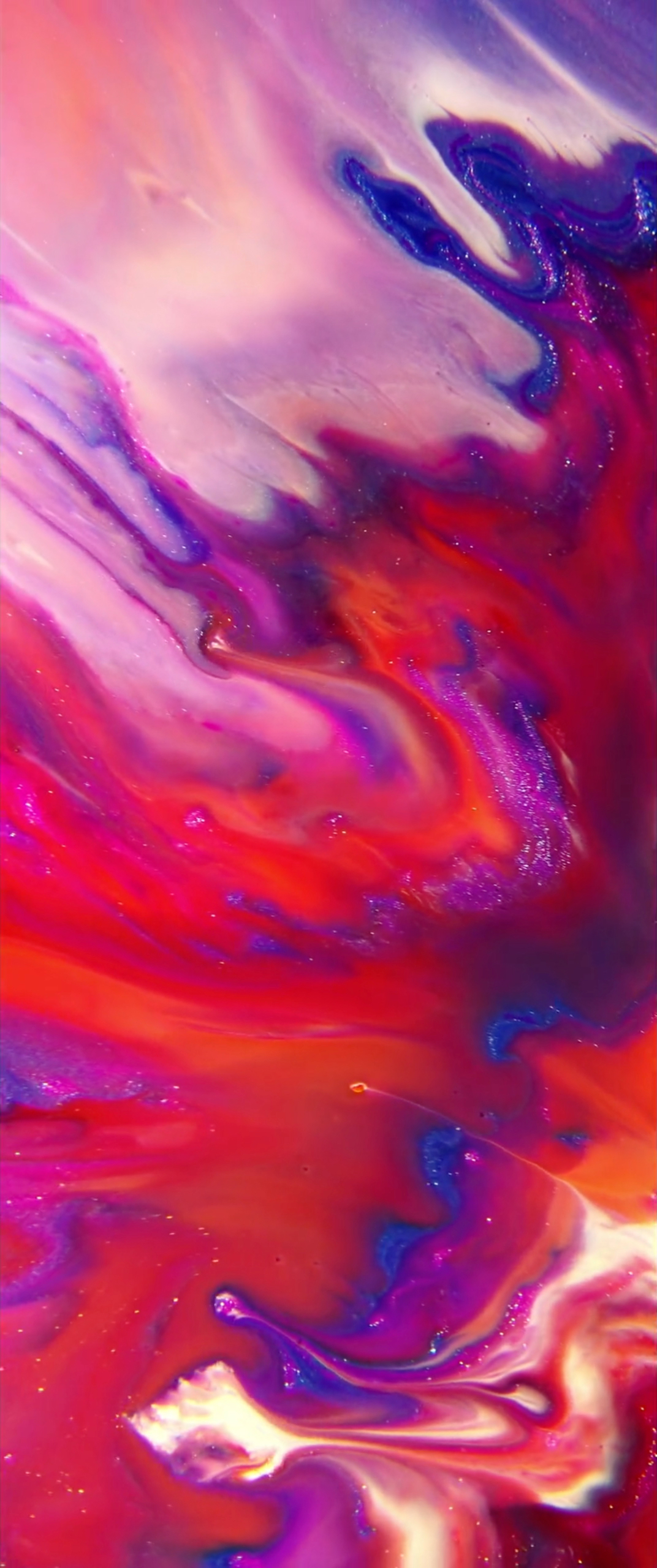
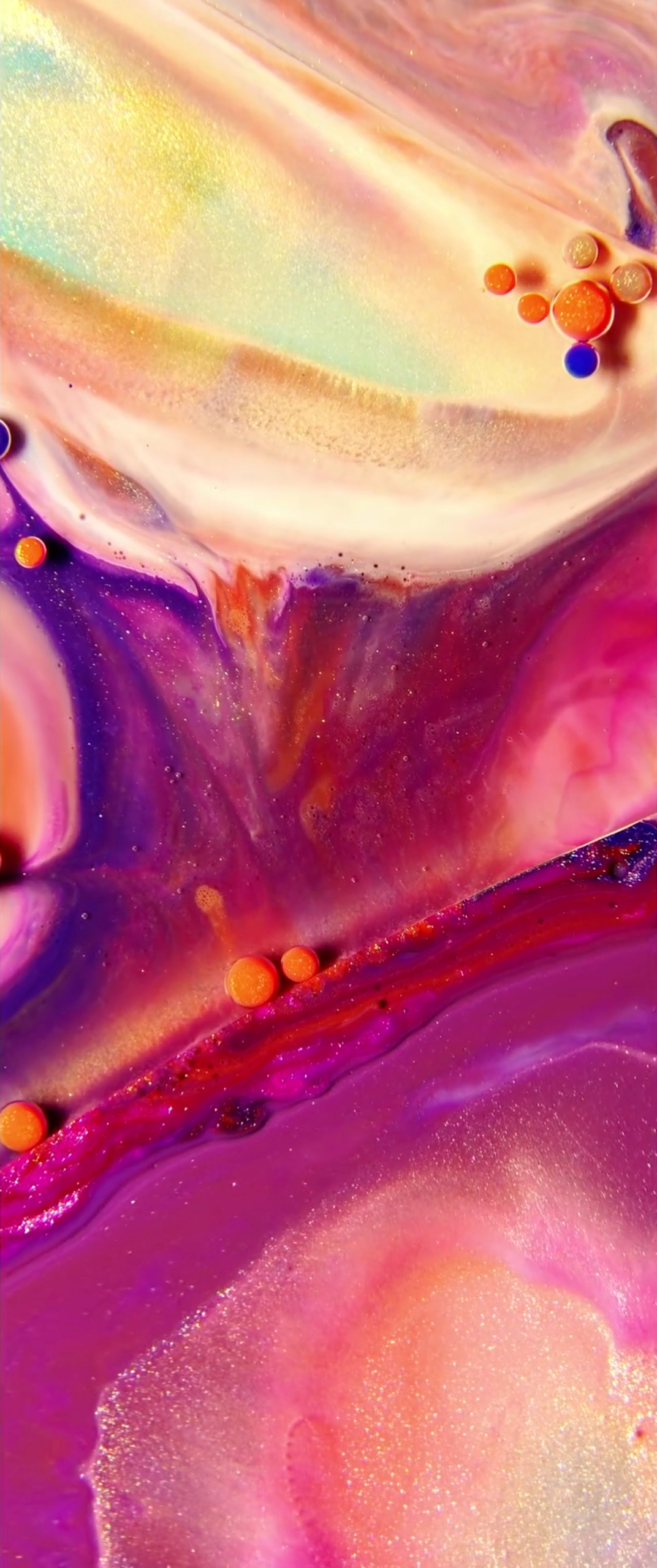
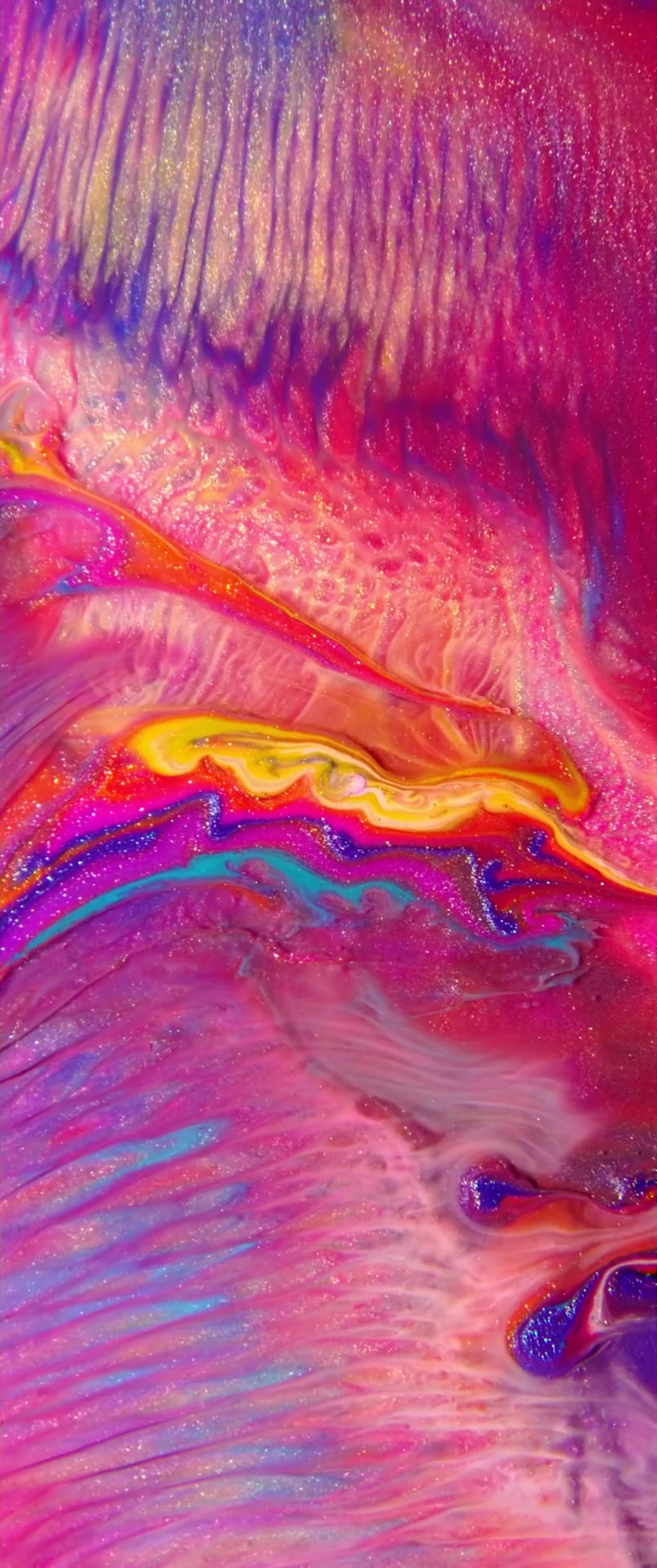
Apple announced the iPhone X with the marketing video seen above. A swirling mess of glitter and color fill up every little curved corner of the iPhone X, and it looks mouth watering. The video is actually a collaboration with WeAreColorful. The group is a collaboration between Oilhack and Thomas Blanchard. The artist painters combined to inspire moving artistic creations through innovative new techniques. Below is the video that inspired the iPhone X commercial.


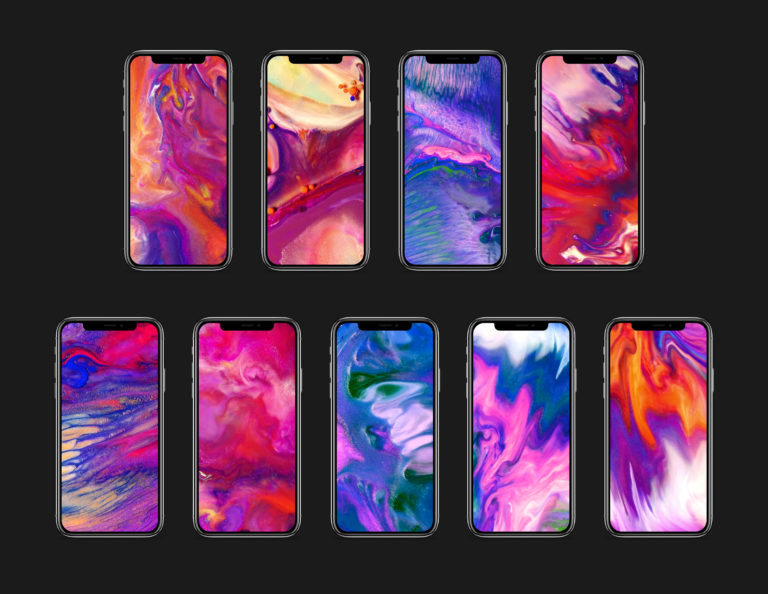
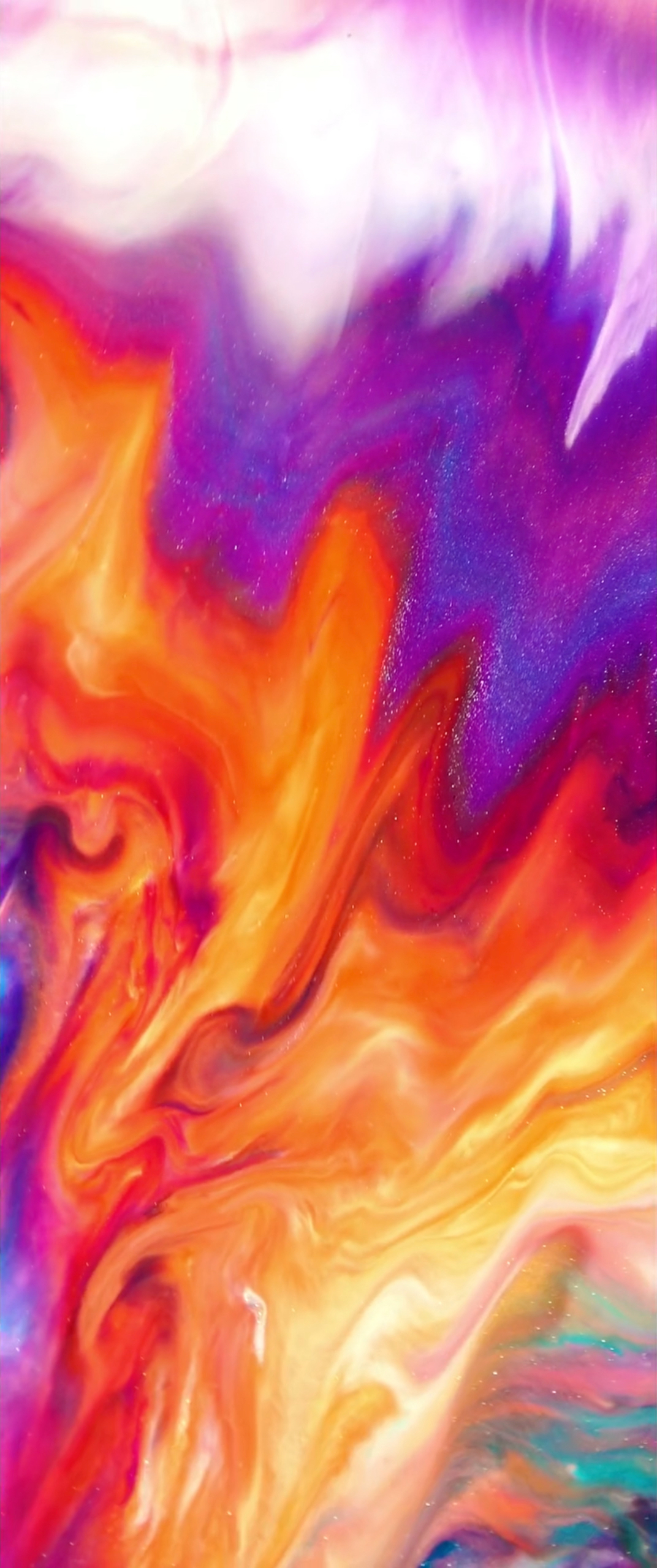
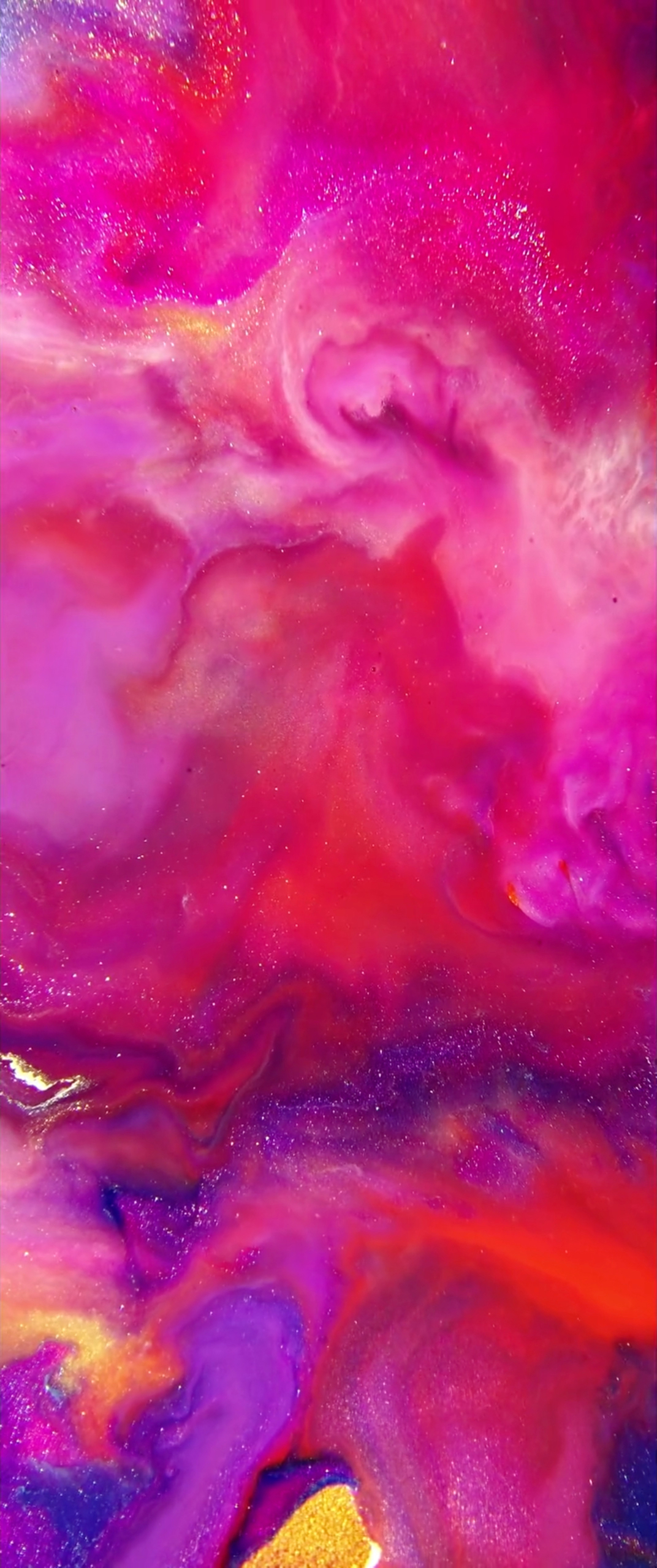
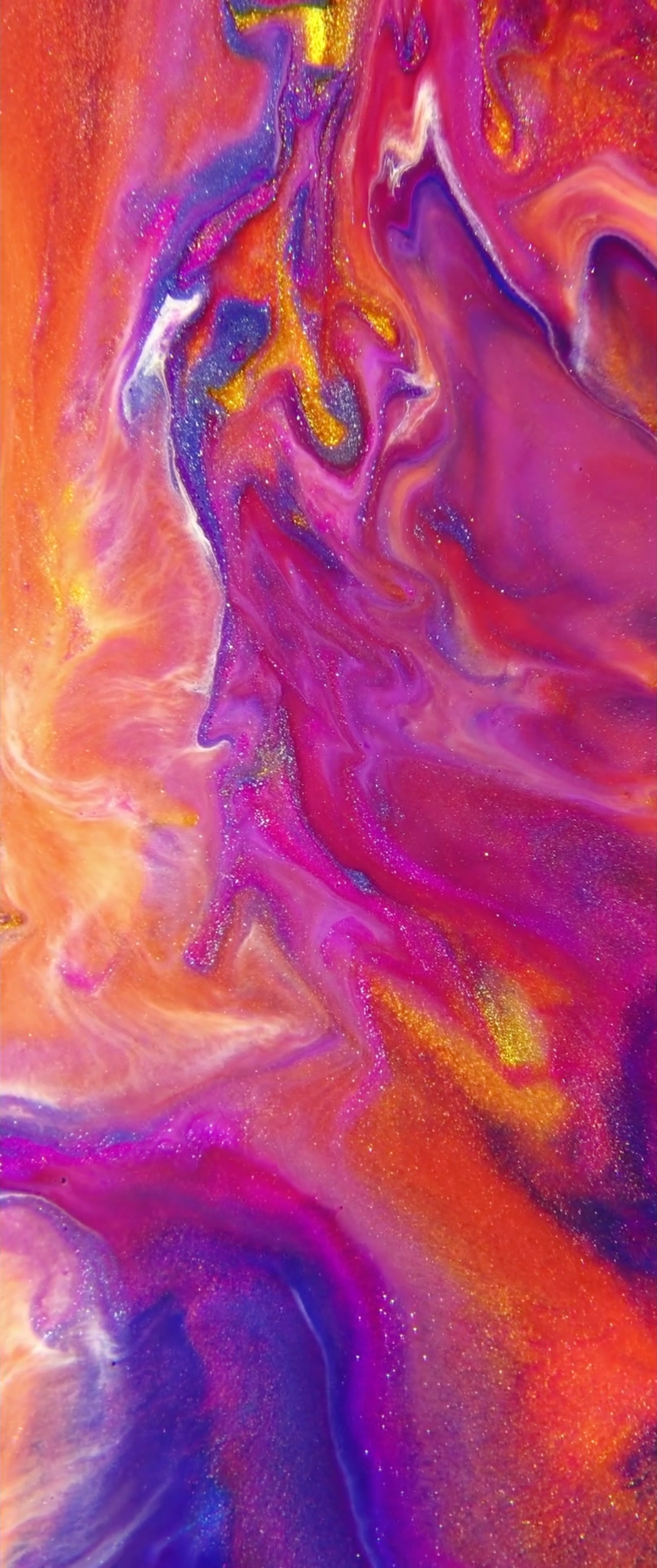
The wallpapers, yes. Below, are wallpapers created from screenshots of the WeAreColorful video. The ratio is fairly narrow, which means optimized for iPhone X. However, these will work on any iPhone, so long as you zoom a bit, when setting the image as your wallpaper.


These wallpapers were created by @jérémygoulet. Goulet is a UI/UX designer and frontend dev. You can find more of his creativity on his personal website.

iPhone X Marketing Video Wallpapers


iPhone X Marketing Video Wallpapers


iPhone X Marketing Video Wallpapers


iPhone X Marketing Video Wallpapers


iPhone X Marketing Video Wallpapers


iPhone X Marketing Video Wallpapers


iPhone X Marketing Video Wallpapers


Source: iDownload

Windows
Mac OS
iOS
Linux
3uTools
Win 64-bit For this device
V9.0 2025-11-11
Download
Win 32-bit For this device
V9.0 2025-11-11
Download
3uTools
Intel Chip How to Identify Chip Type
V9.0 2025-12-02
Download
Apple Chip
V9.0 2025-12-02
Download
How to Identify Chip Type
1.  Click the Apple icon in the top-left corner of the screen and select About This Mac.
2.  Check the Processor or Chip field to determine if it is "Intel" or "Apple".
Please use the 3uTools PC client to install the iOS client:
1、 Install either the Windows or Mac version of 3uTools on your computer
2、 Open the PC client and connect your device to the computer via USB cable
3、 After the connection is successful, wait for the computer to automatically install the mobile app for the device, or locate “Install Mobile App” on the computer and manually click to install.
3uTools
deb file
V3.01 2025-11-20
Download
rpm file
V3.01 2025-11-20
Download
Windows
Windows
iOS
iOS
Android
Android
TV
TV
3uAirPlayer
Win 64-bit For this device
V6.0.2 2025-11-19
Download
Win 32-bit For this device
V6.0.2 2025-11-19
Download
iOS Device Mirroring (No App Required)
1、 Install 3uAirPlayer on the Windows PC
2、 Open Control Center and select Screen Mirroring
3、 From the list, choose your PC to start mirroring
4、 Or connect your iOS device to the PC via USB to begin mirroring
Scan to get "3uAirPlayer" App
3uAirPlayer TV V1.0.18
2025-11-28
TV System Requirements: Android 7.0 or later
Download the TV installation package, copy it to a USB drive, insert it into your TV or set-top box, then select the file from the home screen to install.