TUTORIALS

Spotlight Helps You Find What You‘re Looking For

03/21/2018

3687

Spotlight search isn’t just for Macs. Powerful web and on-device search is just a quick swipe away from your iPhone or iPad’s home screen. It’s a convenient way to launch apps, search the web, perform calculations, and do lots more.


To access the Spotlight search interface, go to your iPhone or iPad’s home screen and swipe to the right. You’ll find the Spotlight search interface to the left of the primary home screen.


Use Spotlight as a currency transfer tool , no need to download any app when you have an abroad trip, today with 3uTools, you could know how to use it better.


Find Spotlight, enter a kind of currency, then you will see it has been transformed to your local currency.
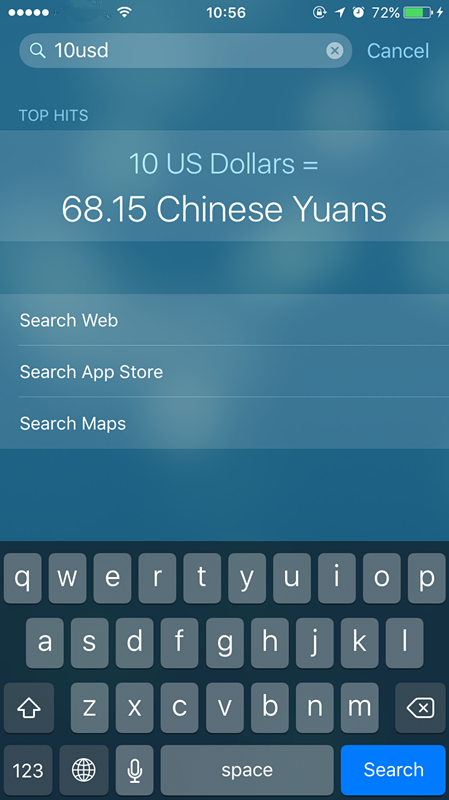
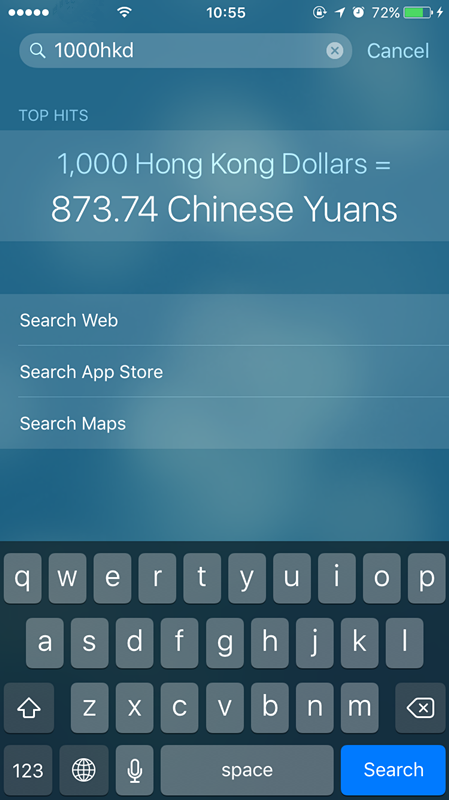
Spotlight Helps You Find What You‘re Looking ForSpotlight Helps You Find What You‘re Looking For


It depends on what you have set on your iPhone, go General--Language & Region, to change the region of your iPhone.


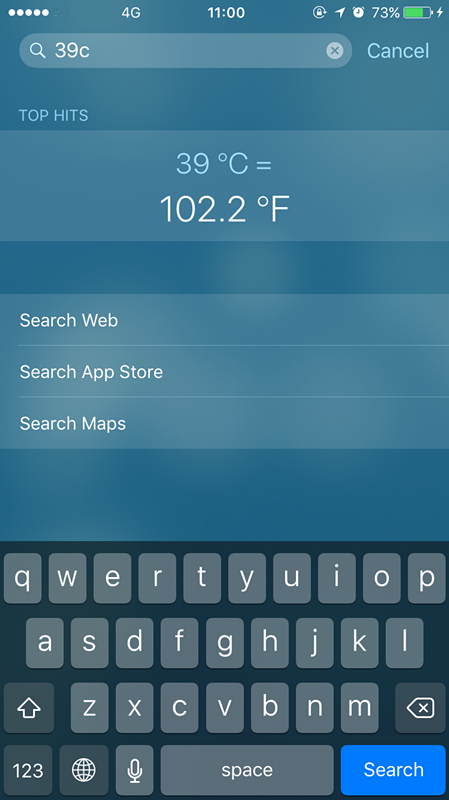
Moreover, your spotlight on iPhone could be a calculator, temperature and weight converter, etc.
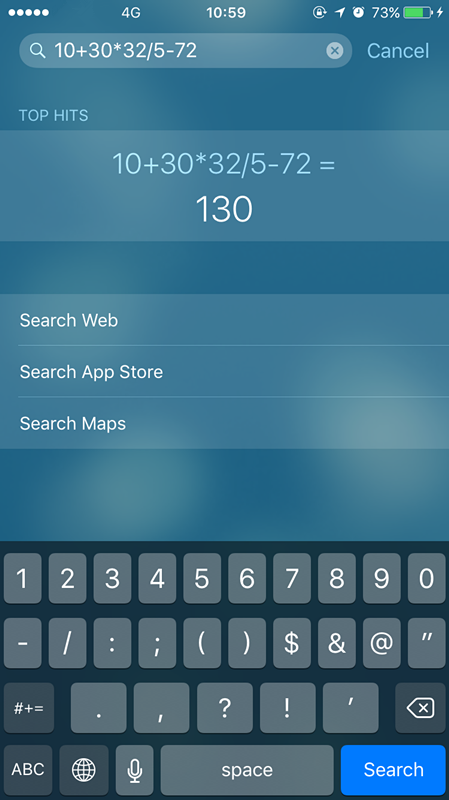

Spotlight Helps You Find What You‘re Looking ForSpotlight Helps You Find What You‘re Looking For


Is it an useful tip? Share with your friends or more users from 3uTools.

Windows
Mac OS
iOS
Linux
3uTools
Win 64-bit For this device
V9.0 2025-11-11
Download
Win 32-bit For this device
V9.0 2025-11-11
Download
3uTools
Intel Chip How to Identify Chip Type
V9.0 2025-12-02
Download
Apple Chip
V9.0 2025-12-02
Download
How to Identify Chip Type
1.  Click the Apple icon in the top-left corner of the screen and select About This Mac.
2.  Check the Processor or Chip field to determine if it is "Intel" or "Apple".
Please use the 3uTools PC client to install the iOS client:
1、 Install either the Windows or Mac version of 3uTools on your computer
2、 Open the PC client and connect your device to the computer via USB cable
3、 After the connection is successful, wait for the computer to automatically install the mobile app for the device, or locate “Install Mobile App” on the computer and manually click to install.
3uTools
deb file
V3.01 2025-11-20
Download
rpm file
V3.01 2025-11-20
Download
Windows
Windows
iOS
iOS
Android
Android
TV
TV
3uAirPlayer
Win 64-bit For this device
V6.0.2 2025-11-19
Download
Win 32-bit For this device
V6.0.2 2025-11-19
Download
iOS Device Mirroring (No App Required)
1、 Install 3uAirPlayer on the Windows PC
2、 Open Control Center and select Screen Mirroring
3、 From the list, choose your PC to start mirroring
4、 Or connect your iOS device to the PC via USB to begin mirroring
Scan to get "3uAirPlayer" App
3uAirPlayer TV V1.0.18
2025-11-28
TV System Requirements: Android 7.0 or later
Download the TV installation package, copy it to a USB drive, insert it into your TV or set-top box, then select the file from the home screen to install.