TUTORIALS

The Most Popular Wallpapers of 3uTools in this Week

11/13/2017

14498

One of the most drastic ways to customize your iOS device is via a steady stream of quality wallpaper images for your Lock and Home screens. Of the many Wallpapers of the 3uTools, our readership trends to the minimalist style of simple geometry and color palettes. We have found some popular wallpapers in different styles.


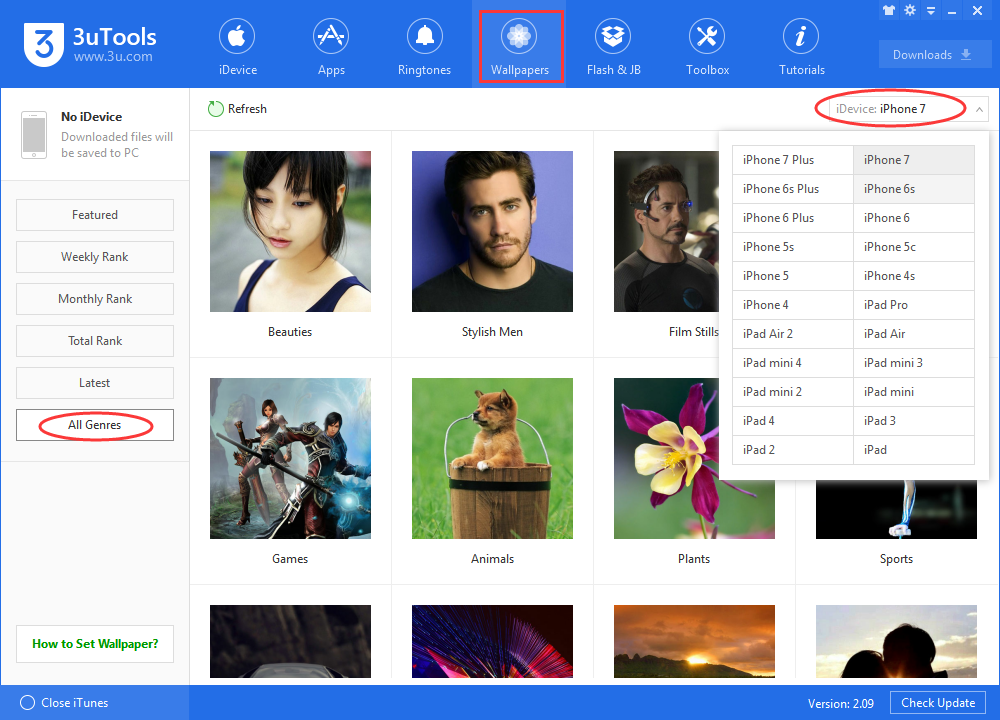
In this week's post, we honor this style using several images from 3uTools "Wallpapers"- "All Genres" for download at no charge. Step inside for your sample collection. You can open your 3uTools to find more if you like.

The Most Popular Wallpapers of 3uTools in this Week


3uTools wallpaper-- Beauties 


The Most Popular Wallpapers of 3uTools in this Week


3uTools wallpaper-- Film stills


The Most Popular Wallpapers of 3uTools in this Week


3uTools wallpaper-- Love


The Most Popular Wallpapers of 3uTools in this Week


3uTools wallpaper-- Ideas


The Most Popular Wallpapers of 3uTools in this Week


3uTools wallpaper-- Sceneries 


The Most Popular Wallpapers of 3uTools in this Week


3uTools wallpaper-- Cartoons


The Most Popular Wallpapers of 3uTools in this Week


3uTools wallpaper-- Animals


The Most Popular Wallpapers of 3uTools in this Week


3uTools wallpaper-- Others


The Most Popular Wallpapers of 3uTools in this Week


Do you like those wallpapers in 3uTools? Or which wallpaper you are using now? Share in 3uTools Facebook group. 



Windows
Mac OS
iOS
Linux
3uTools
Win 64-bit For this device
V9.0 2025-11-11
Download
Win 32-bit For this device
V9.0 2025-11-11
Download
3uTools
Intel Chip How to Identify Chip Type
V9.0 2025-12-02
Download
Apple Chip
V9.0 2025-12-02
Download
How to Identify Chip Type
1.  Click the Apple icon in the top-left corner of the screen and select About This Mac.
2.  Check the Processor or Chip field to determine if it is "Intel" or "Apple".
Please use the 3uTools PC client to install the iOS client:
1、 Install either the Windows or Mac version of 3uTools on your computer
2、 Open the PC client and connect your device to the computer via USB cable
3、 After the connection is successful, wait for the computer to automatically install the mobile app for the device, or locate “Install Mobile App” on the computer and manually click to install.
3uTools
deb file
V3.01 2025-11-20
Download
rpm file
V3.01 2025-11-20
Download
Windows
Windows
iOS
iOS
Android
Android
TV
TV
3uAirPlayer
Win 64-bit For this device
V6.0.2 2025-11-19
Download
Win 32-bit For this device
V6.0.2 2025-11-19
Download
iOS Device Mirroring (No App Required)
1、 Install 3uAirPlayer on the Windows PC
2、 Open Control Center and select Screen Mirroring
3、 From the list, choose your PC to start mirroring
4、 Or connect your iOS device to the PC via USB to begin mirroring
Scan to get "3uAirPlayer" App
3uAirPlayer TV V1.0.18
2025-11-28
TV System Requirements: Android 7.0 or later
Download the TV installation package, copy it to a USB drive, insert it into your TV or set-top box, then select the file from the home screen to install.