TUTORIALS

What's New in 3uTools V3?

07/16/2023

21836

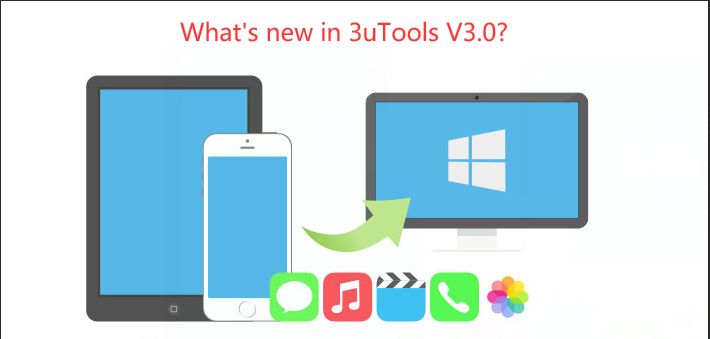
3uTools V3.0 has been released on June 16th! This release of 3uTools brings some notable features and improved performance for iOS users. 


And 3uTools app for iPhone and iPad is now available! Finally!

What's New in 3uTools V3?


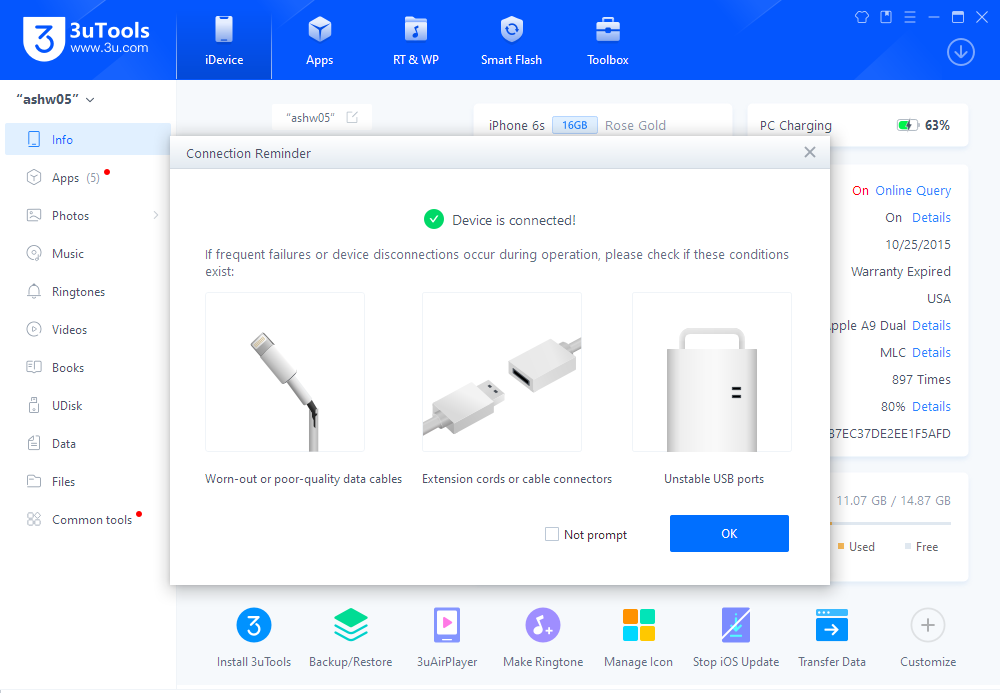
If you don't want to miss it, visit the 3uTools Website to download it now!

What's New in 3uTools V3?


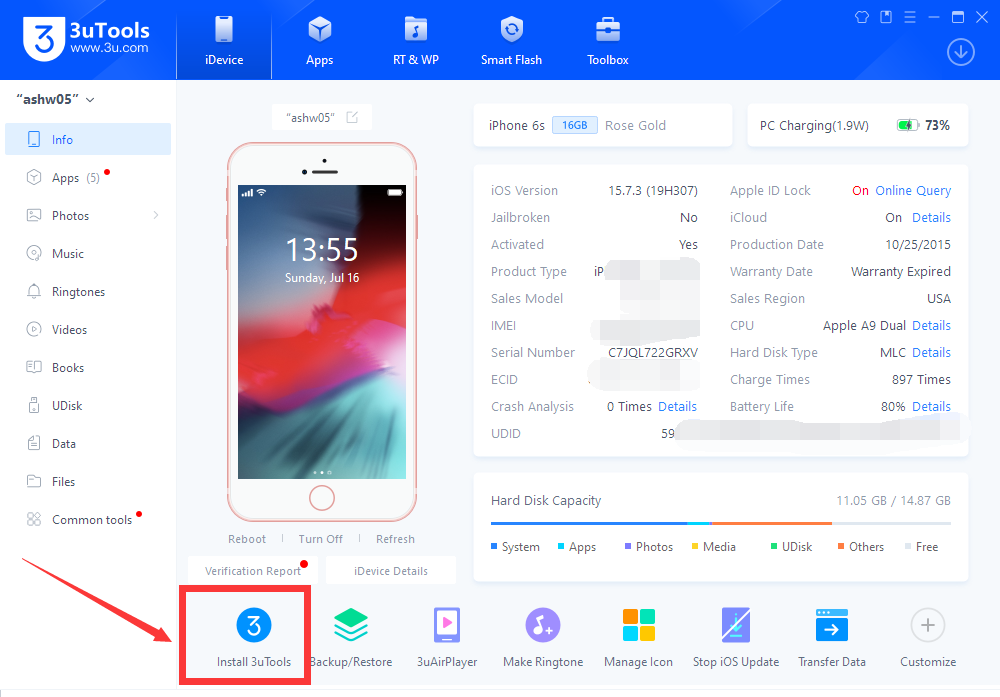
3uTools for Mobile can be downloaded by V3.01. You can tap here "Install 3uTools" to install it on the iDevice.

What's New in 3uTools V3?

You can download Apps from the mobile 3uTools directly without a PC now!  At the moment, download Apps & Games are only available in Thailand and Vietnam. 
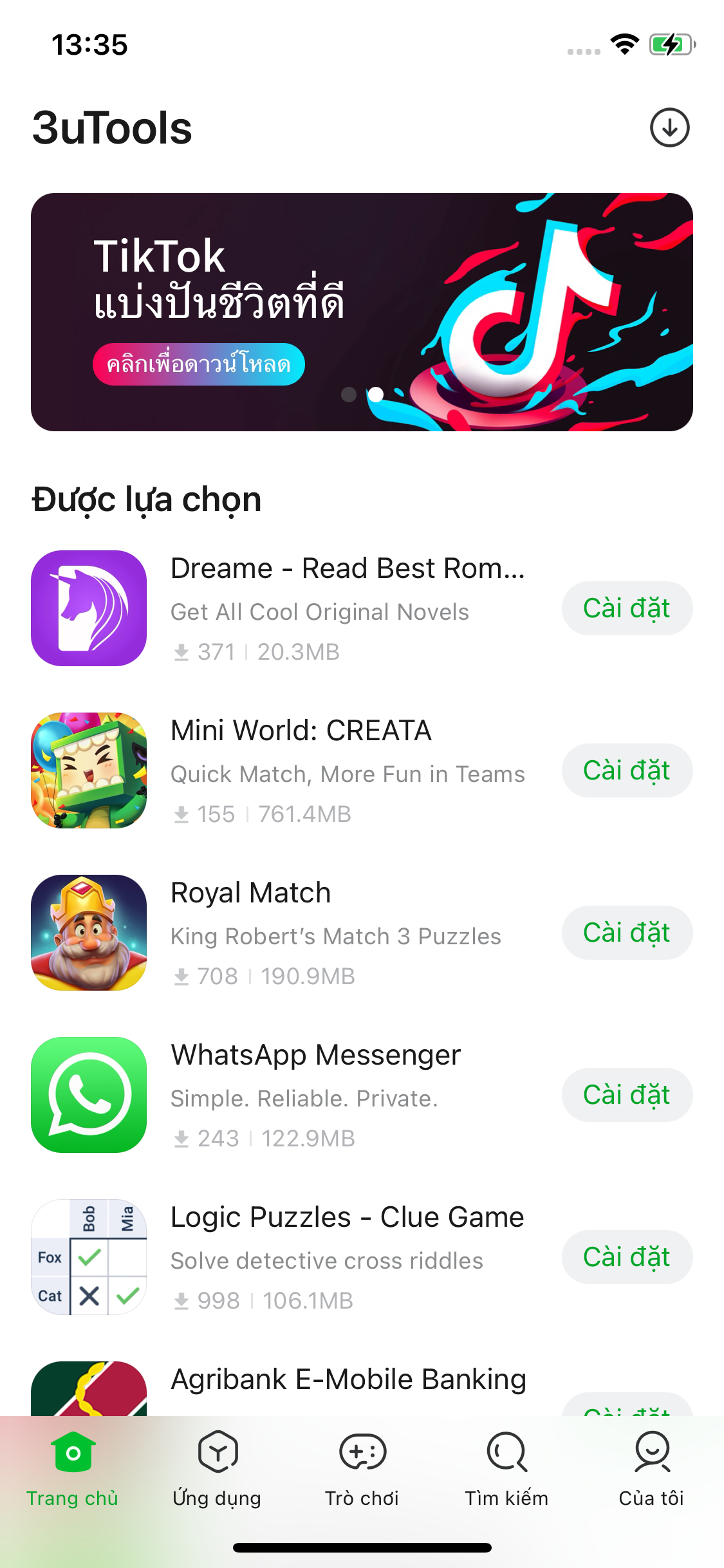

What's New in 3uTools V3?


What's New in 3uTools V3?


If you are not in those two countries, don't be upset. You can also download the 3uTools for Mobile to import photos. 


For example, import wallpapers.
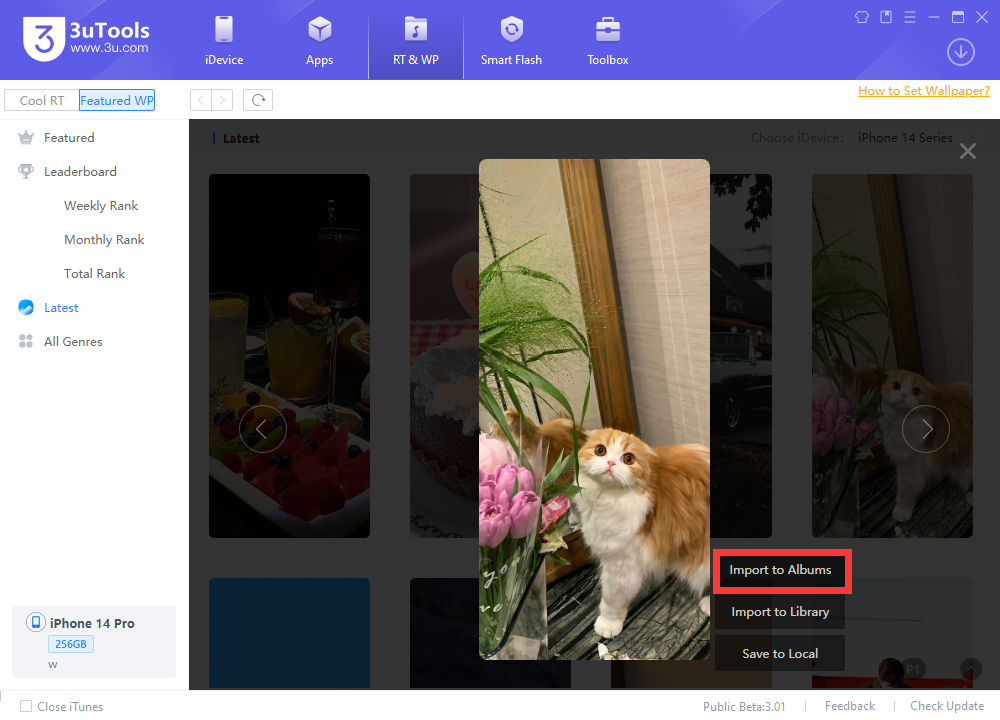

What's New in 3uTools V3?


After tapping Import to Albums. You will see reminders like this:
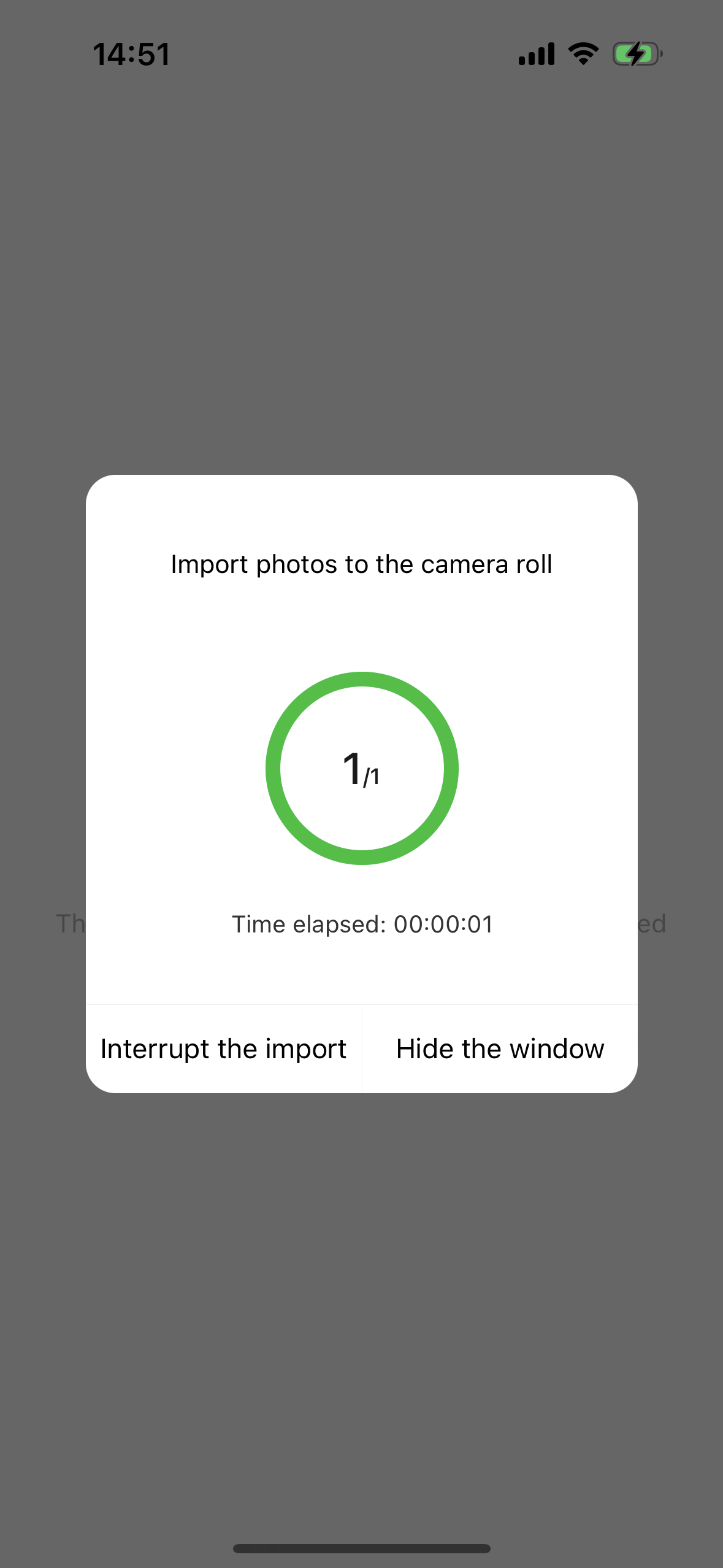

What's New in 3uTools V3?


After the import is complete, Import successfully will display.
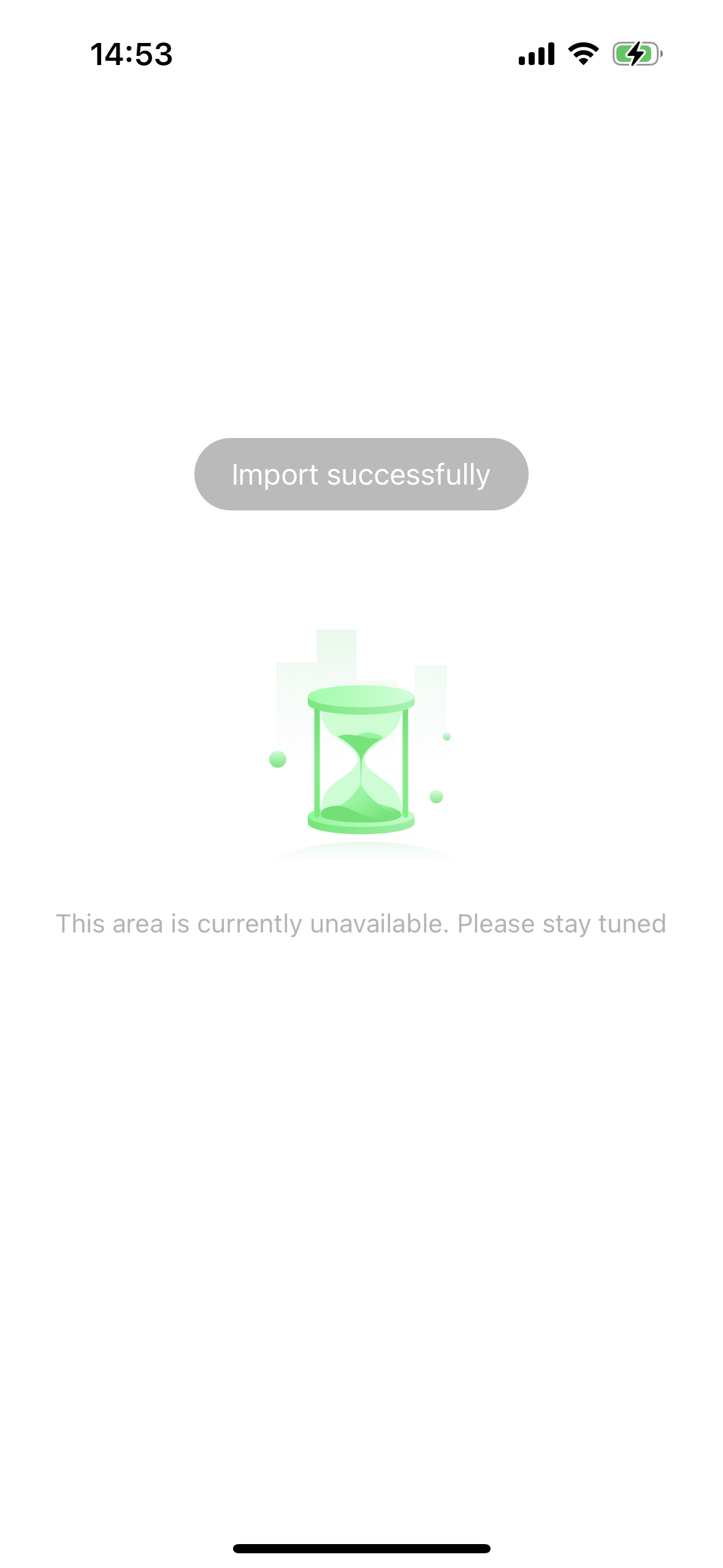

What's New in 3uTools V3?


There are more exciting features for you to discover! Try it now!


You can send feedback to our Facebook Page/Twitter/Instagram. Waiting for your feedback!



Windows
Mac OS
iOS
Linux
3uTools
Win 64-bit For this device
V9.0 2025-11-11
Download
Win 32-bit For this device
V9.0 2025-11-11
Download
3uTools
Intel Chip How to Identify Chip Type
V9.0 2025-12-02
Download
Apple Chip
V9.0 2025-12-02
Download
How to Identify Chip Type
1.  Click the Apple icon in the top-left corner of the screen and select About This Mac.
2.  Check the Processor or Chip field to determine if it is "Intel" or "Apple".
Please use the 3uTools PC client to install the iOS client:
1、 Install either the Windows or Mac version of 3uTools on your computer
2、 Open the PC client and connect your device to the computer via USB cable
3、 After the connection is successful, wait for the computer to automatically install the mobile app for the device, or locate “Install Mobile App” on the computer and manually click to install.
3uTools
deb file
V3.01 2025-11-20
Download
rpm file
V3.01 2025-11-20
Download
Windows
Windows
iOS
iOS
Android
Android
TV
TV
3uAirPlayer
Win 64-bit For this device
V6.0.2 2025-11-19
Download
Win 32-bit For this device
V6.0.2 2025-11-19
Download
iOS Device Mirroring (No App Required)
1、 Install 3uAirPlayer on the Windows PC
2、 Open Control Center and select Screen Mirroring
3、 From the list, choose your PC to start mirroring
4、 Or connect your iOS device to the PC via USB to begin mirroring
Scan to get "3uAirPlayer" App
3uAirPlayer TV V1.0.18
2025-11-28
TV System Requirements: Android 7.0 or later
Download the TV installation package, copy it to a USB drive, insert it into your TV or set-top box, then select the file from the home screen to install.