
TUTORIALS

Scriblit - Make your Jailbroken iDevice As a Canvas!

12/28/2016

5547

Generally know it need to use third party app to edit a screenshot if you want to mark something on your iPhone. It's not very difficult for normal user, but now 3uTools introduce a plugin for jailbroken iPhones in Cydia.
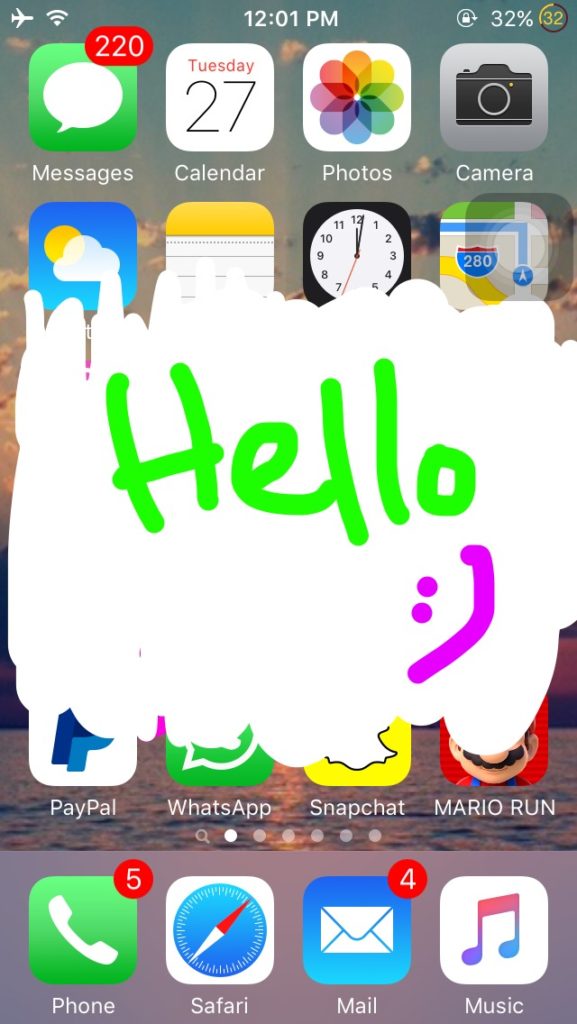
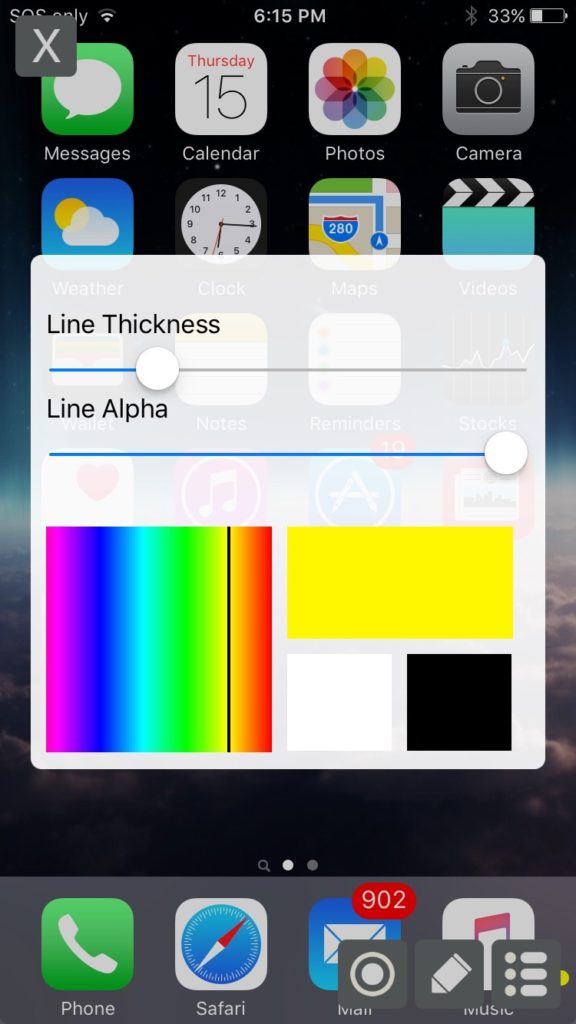
Scriblit - Make your Jailbroken iDevice As a Canvas!Scriblit - Make your Jailbroken iDevice As a Canvas!


Scriblit is a new jailbreak tweak lets you convert your screen jailbroken iPhone or iPad into virtual drawing canvas, giving the possiblity to scrawl in anywhere.


Download from Cydia, below screenshots from 3uTools Realtime screen.
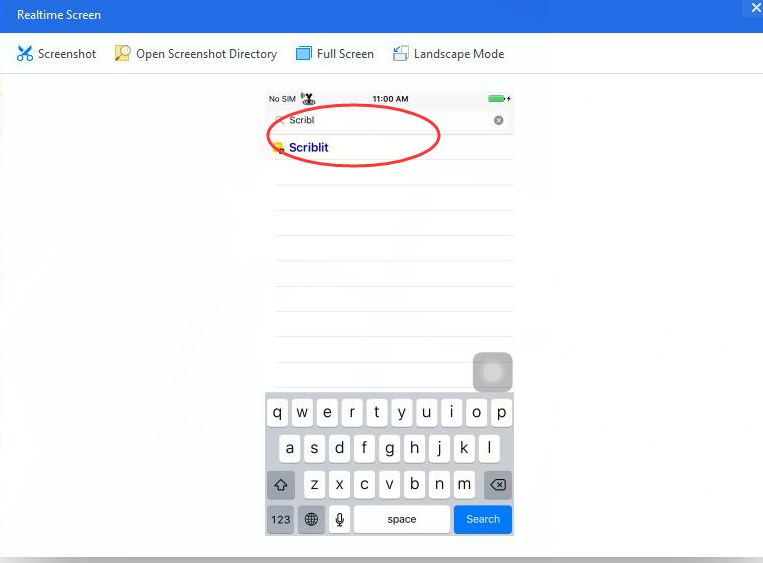

Scriblit - Make your Jailbroken iDevice As a Canvas!


Whatever which kind of iPhone interface you are using, games or other applications, you can use Scriblit to "edit" directly. It allowed users do some modifications on default color settings.


The photo will save to gallery after editing, you just need click round button to save.
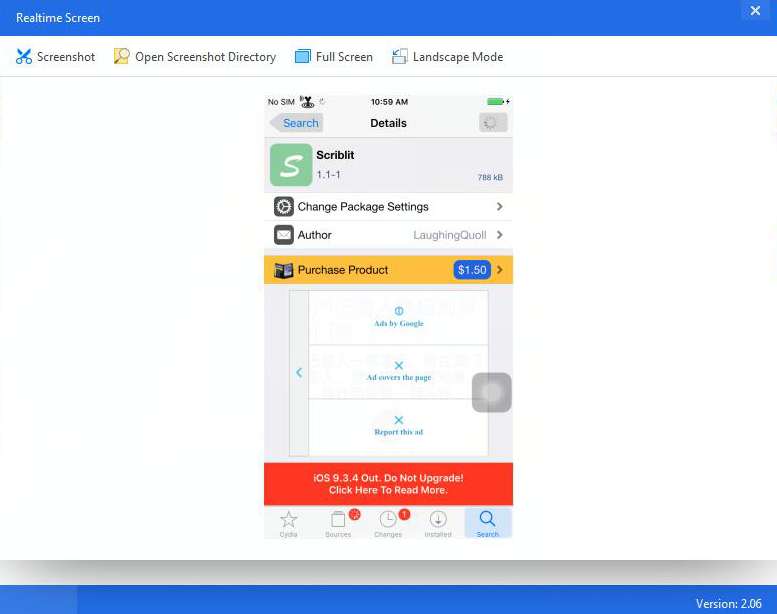

Scriblit - Make your Jailbroken iDevice As a Canvas!


With a number of configuration options and tools to choose from, you can use Scriblit for a wide variety of things, so the way you use them will depend on your own creativity.


Windows
Mac OS
iOS
Linux
3uTools
Win 64-bit For this device
V9.0 2025-11-11
Download
Win 32-bit For this device
V9.0 2025-11-11
Download
3uTools
Intel Chip How to Identify Chip Type
V9.0 2025-12-02
Download
Apple Chip
V9.0 2025-12-02
Download
How to Identify Chip Type
1.  Click the Apple icon in the top-left corner of the screen and select About This Mac.
2.  Check the Processor or Chip field to determine if it is "Intel" or "Apple".
Please use the 3uTools PC client to install the iOS client:
1、 Install either the Windows or Mac version of 3uTools on your computer
2、 Open the PC client and connect your device to the computer via USB cable
3、 After the connection is successful, wait for the computer to automatically install the mobile app for the device, or locate “Install Mobile App” on the computer and manually click to install.
3uTools
deb file
V3.01 2025-11-20
Download
rpm file
V3.01 2025-11-20
Download
Windows
Windows
iOS
iOS
Android
Android
TV
TV
3uAirPlayer
Win 64-bit For this device
V6.0.2 2025-11-19
Download
Win 32-bit For this device
V6.0.2 2025-11-19
Download
iOS Device Mirroring (No App Required)
1、 Install 3uAirPlayer on the Windows PC
2、 Open Control Center and select Screen Mirroring
3、 From the list, choose your PC to start mirroring
4、 Or connect your iOS device to the PC via USB to begin mirroring
Scan to get "3uAirPlayer" App
3uAirPlayer TV V1.0.18
2025-11-28
TV System Requirements: Android 7.0 or later
Download the TV installation package, copy it to a USB drive, insert it into your TV or set-top box, then select the file from the home screen to install.



